Best Proxies for LinkedIn Outreach Automation in 2026
The 7 best proxies for LinkedIn outreach automation in 2026, ranked for sticky sessions, IP trust, and multi-account safety with tools like Expandi and Dripify.
LinkedIn is the highest-value B2B channel on the internet — and the most aggressively policed. With over 1 billion members and a detection system built specifically to catch automation, running outreach tools without the right proxy is the fastest way to get your account restricted or permanently banned.
The risk is not theoretical. LinkedIn actively fingerprints IP addresses, and accessing one account from mismatched or flagged IPs is a top trigger for security checkpoints. Agencies running multiple accounts report that a single shared or datacenter IP can get a profile flagged within days, wiping out weeks of warm-up.
The fix is a dedicated, residential-quality proxy that gives each LinkedIn account one stable, trusted IP. In this guide we rank the 7 best proxies for LinkedIn outreach automation in 2026 — tested for sticky sessions, IP reputation, and compatibility with tools like Expandi, Dripify, and Waalaxy.
Why LinkedIn Automation Needs Proxies
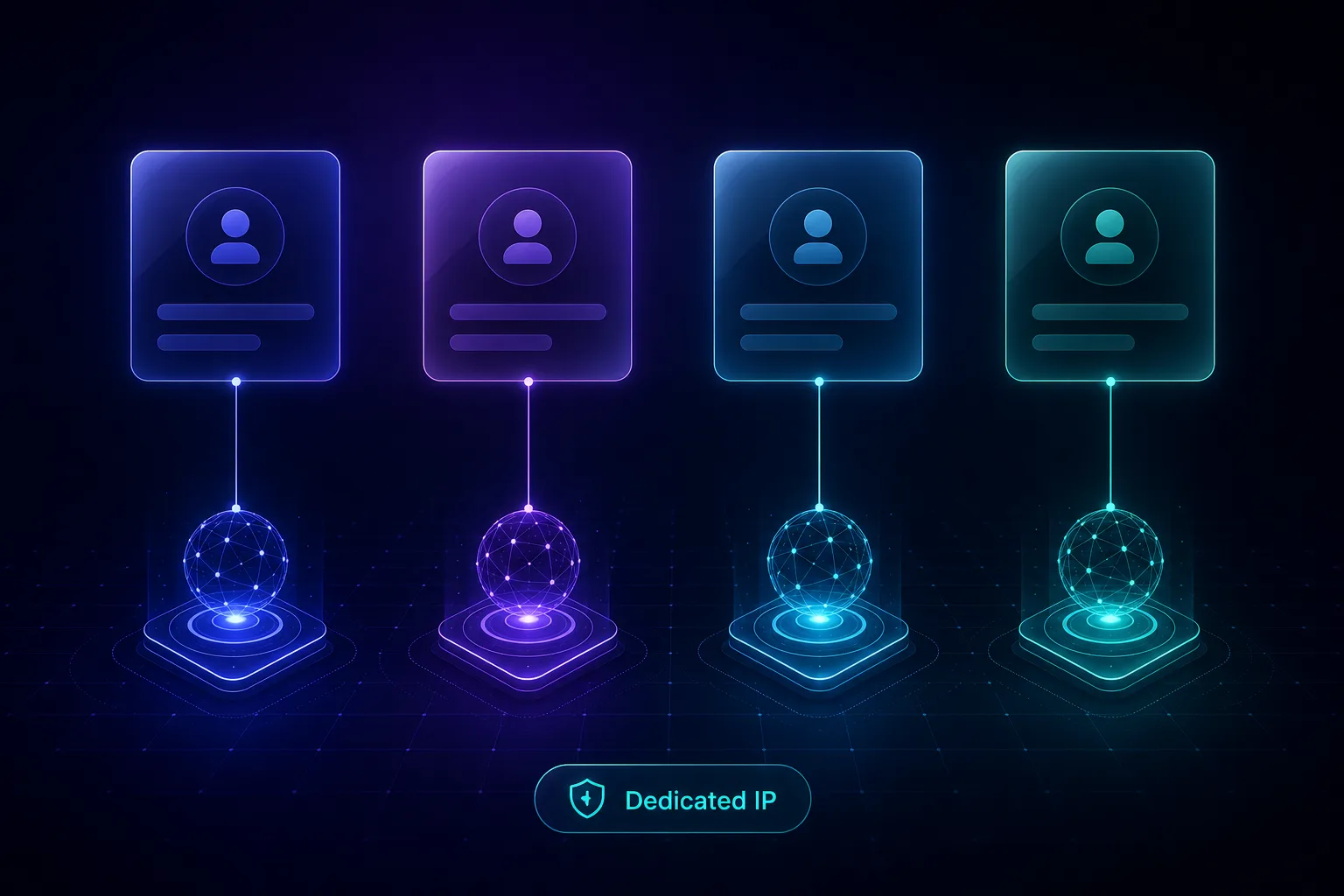
LinkedIn ties your account to the IP address you log in from. When an automation tool runs from a datacenter IP, a mismatched location, or an IP shared with other users, LinkedIn's systems see an obvious anomaly and challenge the account.
A quality proxy solves this by assigning each account a consistent, residential-grade IP in the right location — one that looks exactly like a real person logging in from home. This is especially critical for cloud-based tools and for anyone managing multiple accounts, where IP separation is non-negotiable.
Without proxies, multi-account outreach is essentially impossible to sustain. With the right ones, you can run campaigns at scale while each profile stays under LinkedIn's radar.
What Type of Proxy Is Best for LinkedIn?
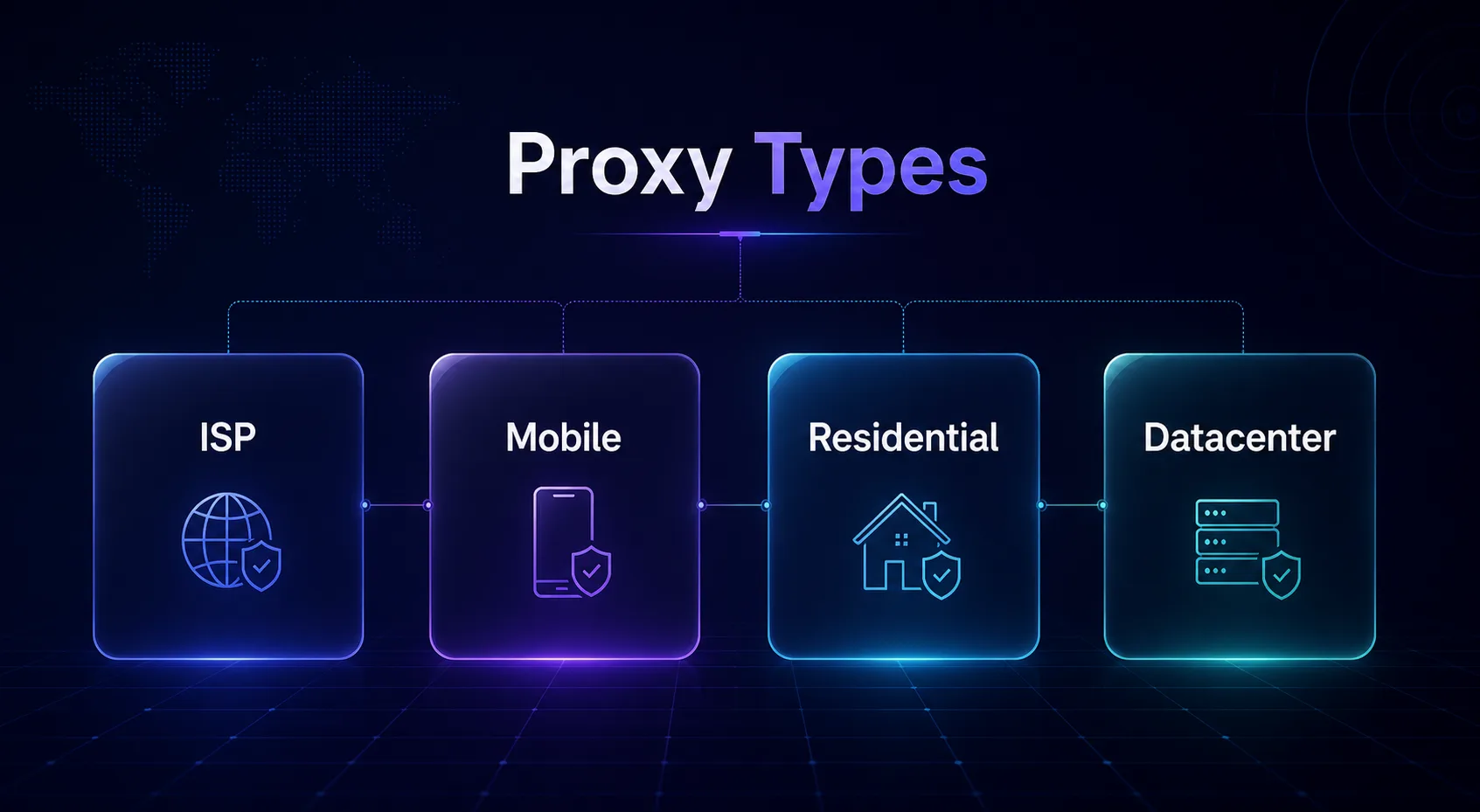
Not every proxy type suits LinkedIn. Because the platform rewards a stable, trusted IP per account, the ranking of proxy types looks different from a typical scraping use case.
| Proxy Type | LinkedIn Fit | Why |
|---|---|---|
| ISP / Static Residential | Excellent | Fixed, trusted IP per account — ideal |
| Mobile (4G/5G) | Excellent | Highest trust, great for many accounts |
| Sticky Residential | Very Good | Long sessions on a real ISP IP |
| Rotating Residential | Poor | Changing IPs break the session and flag accounts |
| Datacenter | Avoid | Easily detected and blocked by LinkedIn |
The rule of thumb: LinkedIn wants to see the same trusted IP every time an account logs in. That makes static ISP proxies, sticky residential sessions, and dedicated mobile proxies the top choices — and rules out cheap rotating datacenter IPs entirely.
How We Evaluated These Proxies
We ranked each provider on the factors that actually matter for LinkedIn automation: sticky session length, IP reputation and cleanliness, geographic precision, dedicated-IP options, and compatibility with popular outreach tools. Speed matters less here than stability and trust, so a provider with rock-solid sticky sessions outranks a faster but rotation-only network.
We also weighed dedicated-IP availability and how cleanly each provider integrates with the major outreach platforms, since a proxy that is technically strong but awkward to configure still leads to mistakes. Every provider below offers the per-account stability LinkedIn demands, and each earns its place for a specific type of user — from solo founders to full agencies.
Best Proxies for LinkedIn Outreach Automation in 2026
Here are the seven providers that best fit LinkedIn's strict requirements — ranked for stability, IP trust, and multi-account safety.
1NodeMaven
Best for sticky sessions, NodeMaven markets the longest sticky sessions on the market — a perfect match for LinkedIn, which punishes mid-session IP changes. Its filter-first approach screens IPs for quality before they reach you, so each account sits on a clean, trusted address.
With residential and mobile options across 195 countries, you can pin each profile to a precise location that matches its owner's real geography. For serious multi-account outreach where session stability is everything, NodeMaven is the standout pick.
2SOAX

Best for clean mobile and residential IPs, SOAX runs a 191M+ pool of clean residential and mobile addresses with granular country, city, and ISP targeting. Mobile IPs carry the highest trust scores on LinkedIn because they are shared by many real users, making them extremely hard to flag.
Its filtered, whitelisted addresses keep pool quality high, so your accounts sit on trusted IPs rather than recycled ones. For agencies running many LinkedIn profiles that need precise geo-targeting and strong anonymity, SOAX is hard to beat.
3IPRoyal

Best on a budget, IPRoyal offers static residential and non-expiring traffic that lets you assign a stable IP per account without a big commitment. Its 32M+ pool spans 195 countries with solid sticky-session support.
The pay-as-you-go, non-expiring model is ideal for outreach that ramps up and down. For freelancers and small teams that need dependable per-account IPs at the lowest cost, IPRoyal is a frequent winner.
4Decodo

Best all-rounder, Decodo pairs a 115M+ IP pool with a clean dashboard and flexible sticky sessions that make per-account setup painless. Its 99.99% uptime keeps long-running outreach campaigns from dropping mid-session.
City-level targeting lets you match each account's IP to its stated location precisely. For teams that want reliability and ease of use without an enterprise contract, Decodo is a balanced, safe choice.
5BrightData

Best for enterprise ISP stability, BrightData runs the largest proxy network anywhere, including dedicated ISP proxies that give each account a fast, fixed residential IP that stays consistent across logins. That stability is exactly what LinkedIn's login checks reward, and the low latency keeps automation tools responsive.
Its network is backed by strict compliance and KYC controls plus broad global coverage, so accounts rarely face unexpected IP changes. For users who prioritize a rock-steady ISP IP per profile with enterprise-grade infrastructure, BrightData is a premium, reliable option.
6Oxylabs

Best for agencies at scale, Oxylabs brings enterprise-grade ISP and residential proxies with top-tier IP reputation across 195 countries. For agencies managing dozens or hundreds of LinkedIn accounts, its clean pools and SLA-backed reliability minimize account risk.
Dedicated account management and precise geo-targeting make large deployments manageable. If you run outreach as a business and need enterprise reliability, Oxylabs sets the bar.
7Smartproxy
Best value residential, Smartproxy delivers a 55M+ pool with sticky sessions and an approachable dashboard at mid-market pricing. It bridges the gap between budget options and premium enterprise tools for LinkedIn outreach.
Ready-made integration guides make it easy to wire into popular automation platforms. For growing teams that want reliable per-account residential IPs without overspending, Smartproxy is a dependable pick.
LinkedIn Proxy Comparison at a Glance
Here is how the top picks compare on the specs that matter most for outreach automation.
| Provider | Best Proxy Type | Pool Size | Countries | Best For |
|---|---|---|---|---|
| NodeMaven | Sticky residential + mobile | 30M+ | 195 | Longest sticky sessions |
| SOAX | Residential + mobile | 191M+ | 195 | Clean IP quality |
| IPRoyal | Static residential | 32M+ | 195 | Budget per-account IPs |
| Decodo | Sticky residential | 115M+ | 195 | All-round reliability |
| BrightData | Static ISP | Largest | 195 | ISP stability + scale |
| Oxylabs | ISP + residential | 102M+ | 195 | Agencies at scale |
| Smartproxy | Sticky residential | 55M+ | 195 | Best value |
How to Use Proxies With LinkedIn Automation Tools
Buying the right proxy is only half the job — configuring it correctly is what keeps accounts safe. The golden rule is one dedicated proxy per LinkedIn account, never shared, and matched to the account's real or stated location.
Most cloud tools like Expandi, Dripify, and Waalaxy let you assign a proxy per account in their settings; browser-based tools use the proxy at the browser or profile level. Enter your proxy authentication details, set a long sticky session, and confirm the account consistently logs in from that single IP.
Before launching a campaign, verify the proxy is clean and stable with a quick proxy speed and success-rate test. A five-minute check up front prevents a flagged account later.
How LinkedIn Detects Automated Accounts
Understanding what LinkedIn actually looks for makes it obvious why proxy choice matters so much. Detection is not a single check — it is a stack of signals that, together, decide whether an account looks human or automated. A good proxy neutralizes one crucial layer, but you should know the others too.
The first and most immediate signal is the IP address. LinkedIn flags logins from datacenter ranges, IPs shared across many accounts, and sudden location jumps. This is exactly the layer a clean, dedicated residential or ISP proxy is designed to defeat, which is why it is the foundation of any safe setup.
The second layer is the device and browser fingerprint. Even on a perfect IP, LinkedIn can link accounts through matching browser fingerprints — the same screen size, fonts, and canvas signature across supposedly separate profiles. Serious multi-account operators pair each proxy with a separate browser profile or an antidetect browser so the fingerprints differ too.
The third layer is behavior. LinkedIn watches how fast you send connection requests, how many messages you fire per day, how quickly you click, and whether your activity follows human rhythms or runs like clockwork at 3am. No proxy can hide reckless behavior, so realistic pacing and sensible daily limits are essential.
Finally, LinkedIn cross-references account relationships — profiles that log in from the same IP, share payment details, or message in identical patterns get linked together. This is why one dedicated proxy per account is non-negotiable: it breaks the single most common thread LinkedIn uses to connect and mass-ban related profiles. Get all four layers right and your automation blends in; neglect any one and the others cannot fully compensate.
Common Mistakes to Avoid With LinkedIn Proxies
Most LinkedIn bans traced back to proxies come from a handful of avoidable errors. Steer clear of these.
1Using Datacenter Proxies
Cheap datacenter IPs are the single fastest route to a LinkedIn restriction. The platform identifies hosting-range IPs instantly and treats logins from them as bot activity. Always use residential, ISP, or mobile proxies for LinkedIn — never datacenter, no matter how tempting the price.
2Rotating IPs Mid-Session
LinkedIn expects an account to stay on one IP. Rotating residential proxies that swap addresses mid-session trigger security checkpoints because it looks like the account teleported. Use sticky sessions or static IPs so each profile keeps the same address across logins.
3Sharing One Proxy Across Accounts
Running multiple LinkedIn accounts through a single shared IP links them together in LinkedIn's eyes, so one flagged profile can take down the rest. Assign a dedicated proxy to every account to keep their reputations fully isolated.
4Mismatching Proxy and Account Location
An account that claims to be in London but logs in from a Singapore IP looks suspicious. Match each proxy's geography to the account's stated location, and keep it consistent — sudden location jumps are a classic detection trigger.
5Skipping the Warm-Up Period
Blasting connection requests from a brand-new account on a fresh IP is a guaranteed flag. Ramp activity gradually over the first weeks, letting both the account and its IP build trust before scaling outreach volume.
Best Practices for Safe LinkedIn Automation
- One dedicated proxy per account — never share IPs across profiles, and prefer residential or ISP over anything else.
- Keep the IP consistent — use sticky sessions or static IPs so each account always logs in from the same address.
- Match location precisely — align the proxy's country and city with the account's stated location.
- Warm up gradually — ramp activity slowly on new accounts and fresh IPs before scaling.
- Respect LinkedIn's limits — stay within sensible daily connection and message caps, and compare providers in our comparison tool before committing.
Frequently Asked Questions
Conclusion: Pick Stability Over Speed
LinkedIn outreach lives and dies on IP trust. Unlike scraping, where rotation and raw speed win, LinkedIn rewards the opposite: one clean, stable, trusted IP per account, held consistently over time. Get that right and your automation runs quietly for months; get it wrong and accounts vanish.
For the strongest sticky sessions, NodeMaven leads; for clean mobile and residential IPs, SOAX excels; and for budget-friendly per-account IPs, IPRoyal is hard to beat. Agencies at scale should look to Oxylabs or BrightData for enterprise reliability.
Ready to protect your outreach? Browse the full lineup in our proxy provider directory, compare your shortlist in our side-by-side tool, and pair the right IPs with disciplined, human-paced automation for LinkedIn results that last.
Keep Reading
More articles you might enjoy