Firecrawl Pricing (2026): API Cost, Plans & Credits Usage
Firecrawl pricing for 2026 explained: how the credit model works, all plans and API costs, credit usage per endpoint, and how to estimate and reduce your spend.
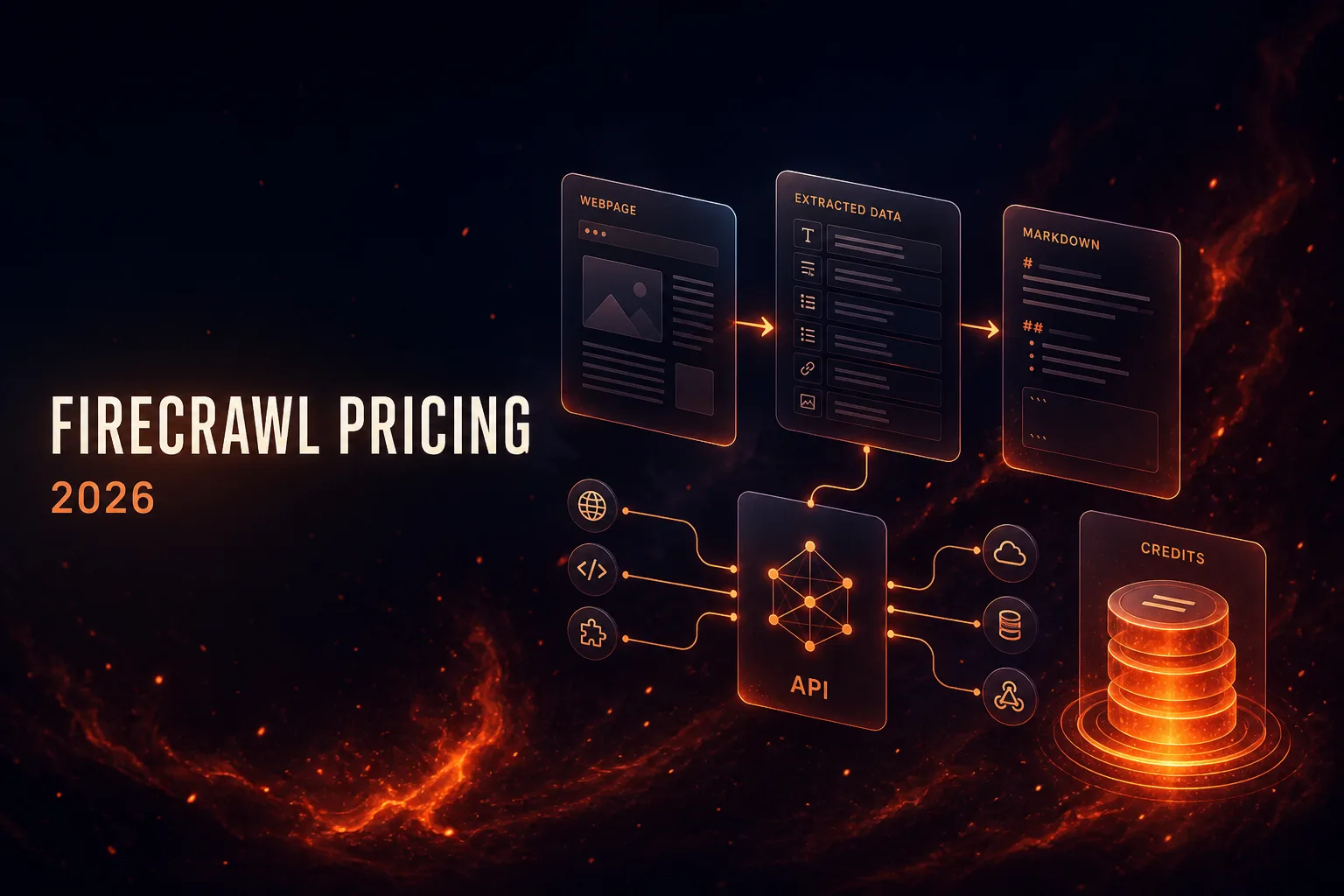
Firecrawl has quickly become a favorite tool for turning websites into clean, LLM-ready data, powering everything from RAG pipelines to AI agents. But because it uses a credit-based pricing model rather than a simple flat fee, working out what Firecrawl will actually cost you can be confusing. How much is a credit? How many does a crawl use? Which plan do you need?
This guide breaks down Firecrawl pricing in plain English: the plans, how credits work, what each API endpoint costs, and how to estimate your usage. We will also look at who Firecrawl is best for, how to keep your credit spend down, and where alternatives make more sense.
If you are trying to budget for Firecrawl or decide which plan fits your project, this breakdown of API cost, plans, and credit usage will give you a clear answer. Let us dig in.
- Firecrawl uses a credit-based model: you pick a monthly plan with a credit allowance, and each API call spends credits.
- Plans run from a Free tier (500 one-time credits) up through Hobby, Standard, and Growth, plus custom Enterprise.
- Most endpoints cost about 1 credit per page (Scrape, Crawl), while the LLM-powered Extract endpoint costs several credits per page.
- It is great value for AI and RAG data pipelines; heavy Extract use or massive crawls are where costs climb.
What Is Firecrawl?
Firecrawl is a web scraping and crawling API built for the AI era. You point it at a URL or a whole website, and it returns clean, structured content, typically as markdown or JSON, that is ready to feed straight into a large language model. It handles the messy parts of scraping for you: JavaScript rendering, anti-bot measures, and crawling entire sites, so you get usable data instead of raw HTML.
That focus on LLM-ready output is why Firecrawl is so popular for retrieval-augmented generation (RAG), AI agents, and data pipelines. For a deeper look at the product itself, see our full Firecrawl review. Here, we are focused purely on what it costs.
Firecrawl API Endpoints Explained
Because credits are spent per endpoint, it helps to know what each one does. Firecrawl exposes a handful of core endpoints, and choosing the right one for the job is the single biggest factor in your credit spend.
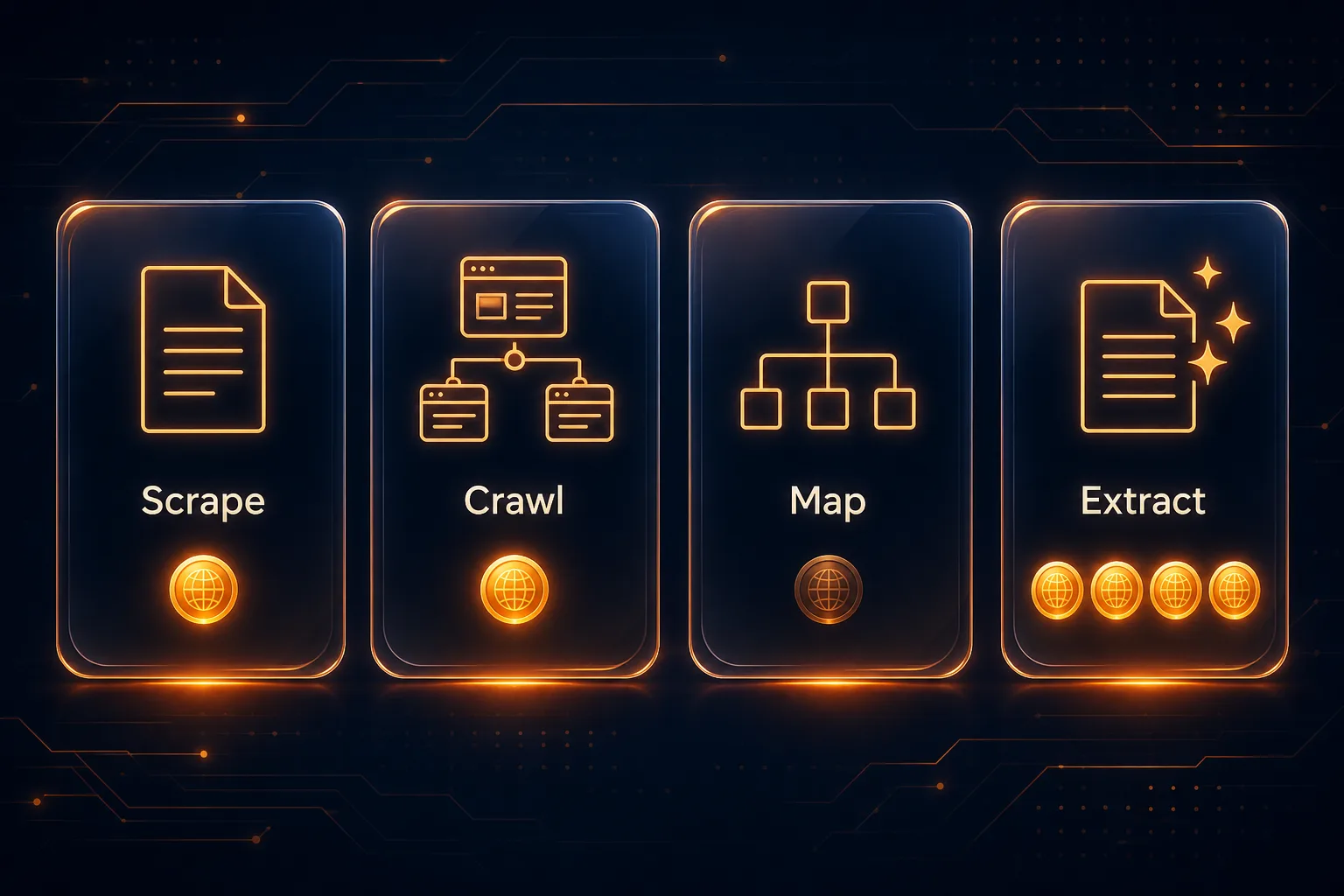
Scrape fetches a single URL and returns its content as clean markdown or structured JSON, the workhorse for grabbing one page at a time. Crawl starts from a URL and automatically follows links to pull an entire site or section, ideal for bulk ingestion. Map is a lightweight endpoint that returns a list of all the URLs on a site without scraping them, perfect for planning a crawl or building a sitemap cheaply.
Search queries the web and scrapes the results in one call, useful for research and discovery. Extract is the most advanced: it uses a large language model to pull specific structured fields, like prices, names, or dates, from pages according to a schema you define. That LLM step is powerful, but it is the reason Extract costs the most credits, so use it deliberately.
How Firecrawl Pricing Works
Firecrawl pricing is built around credits. Instead of paying per request at a fixed rate, you subscribe to a monthly plan that includes a set number of credits, and every API call you make spends some of those credits. Different actions cost different amounts, which we break down below.
The model is straightforward once you grasp two things: your plan sets how many credits you get each month (and your concurrency limits), and each endpoint has a credit cost per page or request. Run out of credits and you can upgrade, buy more, or wait for the monthly reset. Annual billing lowers the effective monthly price compared with paying month to month.
A note on pricing: the figures below are indicative and rounded for clarity. Firecrawl updates its plans, credit allowances, and per-endpoint credit costs from time to time, so always check the official Firecrawl pricing page for exact current numbers before committing.
Firecrawl Plans and Prices
Firecrawl offers a free tier plus several paid plans that scale with your credit needs and concurrency. Here is an at-a-glance look.

| Plan | Indicative Price | Monthly Credits | Concurrency |
|---|---|---|---|
| Free | $0 | 500 (one-time) | Low |
| Hobby | From around $16 to $19/mo | 3,000 | ~5 |
| Standard | From around $83 to $99/mo | 100,000 | ~50 |
| Growth | From around $333 to $399/mo | 500,000 | ~100 |
| Enterprise | Custom | Custom (bulk) | Highest |
1Free Plan
The free tier gives you a one-time allotment of around 500 credits with no card required, ideal for testing Firecrawl and building a small proof of concept. Concurrency and rate limits are modest, so it is for evaluation rather than production.
2Hobby Plan
The entry-level paid plan suits solo developers and small projects, with a few thousand credits a month and higher limits than the free tier. It is the cheapest way to run Firecrawl in a light, ongoing capacity.
3Standard Plan
The Standard plan is the workhorse for serious applications, with a large monthly credit pool and much higher concurrency. Most production RAG pipelines and data products that scrape at real volume land here.
4Growth and Enterprise
Growth targets high-volume operations with hundreds of thousands of credits and top concurrency, while Enterprise adds custom credit bundles, higher limits, SLAs, and dedicated support for the largest workloads.
How Firecrawl Credits Work
The key to understanding your Firecrawl bill is knowing how many credits each endpoint spends. Not all actions cost the same, LLM-powered features cost more than a simple page fetch.
| Endpoint | What It Does | Indicative Credit Cost |
|---|---|---|
| Scrape | Turns a single page into markdown or structured data | ~1 credit per page |
| Crawl | Crawls a whole site, many pages at once | ~1 credit per page |
| Map | Returns a list of all URLs on a site | Very low (cheapest) |
| Search | Searches the web and scrapes the results | A few credits per query |
| Extract | Uses an LLM to pull structured data from pages | Several credits per page |
The big takeaway: basic scraping and crawling are cheap at roughly a credit per page, while the Extract endpoint, which runs a language model to pull structured fields, costs several times more per page. If your workflow leans heavily on Extract, that is where your credits will disappear fastest.
How Many Credits Do You Actually Need?
Estimating usage is simpler than it sounds once you map your work to pages. A few examples using the rough costs above:
- Scraping 1,000 individual pages: around 1,000 credits, comfortably within the Hobby plan.
- Crawling a 5,000-page website once: around 5,000 credits, so you would want the Standard plan for headroom.
- Extracting structured data from 1,000 pages: potentially 5,000-plus credits, since Extract costs several credits each.
- A production RAG pipeline refreshing tens of thousands of pages monthly: squarely in Standard or Growth territory.
As a rule of thumb, count the pages you will process per month, multiply by the endpoint cost, and add a buffer. That quickly tells you whether Hobby, Standard, or Growth fits.
Which Firecrawl Plan Should You Choose?
The right plan comes down to your monthly page volume and how much concurrency you need. Here is a simple way to decide.
If you are experimenting or building a proof of concept, start on the Free tier, since its 500 credits are plenty to test endpoints and validate your idea. For a solo developer or a small, steady side project, the Hobby plan covers a few thousand pages a month at the lowest ongoing cost.
Most production applications, live RAG pipelines, AI agents, or data products scraping tens of thousands of pages, belong on Standard, where the large credit pool and higher concurrency keep things running smoothly. Reserve Growth for high-volume operations processing hundreds of thousands of pages, and talk to sales about Enterprise when you need custom credit bundles, guaranteed SLAs, or dedicated support. When in doubt, start one tier down and upgrade, since you can top up credits or move plans as your real usage becomes clear.
How to Reduce Your Firecrawl Credit Usage
A few habits keep your credit spend, and therefore your bill, under control.
1Use the Cheapest Endpoint That Works
Do not reach for Extract if a plain Scrape and some parsing on your end will do. Reserve LLM extraction for when you genuinely need structured fields, since it is the most expensive endpoint by far.
2Scope Your Crawls Tightly
When crawling, use include and exclude patterns, a maximum depth, and page limits so you only fetch the pages you need. An unscoped crawl of a huge site can burn credits fast on pages you will never use.
3Cache and Avoid Re-Scraping
Store what you fetch and avoid re-scraping unchanged pages. Refresh only what actually updates, rather than re-crawling everything on a schedule.
4Choose Annual Billing
If your usage is steady, annual billing lowers the effective monthly price compared with paying month to month, and you can top up with extra credits if you occasionally exceed your allowance.
How Firecrawl Compares on Price
Firecrawl is not the only way to turn websites into data, and how its pricing compares depends on what you are optimizing for. Against general-purpose scraping platforms like Apify or managed scraping APIs, Firecrawl stands out for its clean, LLM-ready output and its Extract endpoint, so you are paying partly for that AI-focused convenience rather than raw page fetches alone.
Against a do-it-yourself approach using your own proxies and a scraping framework, Firecrawl is usually more expensive per page but dramatically cheaper in engineering time, since you skip building proxy rotation, anti-bot handling, and parsing. For simple, high-volume scraping where you do not need markdown output or LLM extraction, a DIY setup with quality proxies can win on cost. For AI pipelines that need structured, ready-to-use content, Firecrawl typically wins on total value. Our guide to the best proxy APIs for developers covers the DIY side.
Firecrawl Pros and Cons
Weighing the value, here is where Firecrawl pricing shines and where it stings.
- Dead-simple API that returns clean, LLM-ready markdown and structured data
- Handles JavaScript rendering, anti-bot, and full-site crawling for you
- Generous free tier (500 credits) to test with no card
- LLM-powered Extract endpoint for structured data
- Transparent, predictable credit-based pricing
- Good docs, SDKs, and an open-source core
- Credit costs add up at scale, especially with Extract
- LLM extraction is several credits per page
- Concurrency and rate limits are tighter on lower tiers
- DIY scraping with your own proxies can be cheaper for simple, high-volume jobs
Verdict
Excellent value for AI and RAG pipelines that need clean, ready-to-use content, though cost-sensitive high-volume simple scraping can be cheaper to build yourself.
Is Firecrawl Worth the Price?
For AI and data teams, Firecrawl is usually worth it. The value is not just the raw scraping, it is that you get clean, structured, LLM-ready output without building and maintaining your own scraping infrastructure, proxy rotation, and anti-bot handling. That saved engineering time easily justifies the credit cost for most teams building AI products.
Where it becomes less compelling is high-volume, simple scraping where you do not need the LLM features. If you are just fetching thousands of straightforward pages, a DIY setup with your own proxies can be cheaper, which is why understanding why web scraping needs proxies matters. Compare Firecrawl against other tools in our guide to the best web scraping APIs, and see current deals in our Firecrawl coupon codes.
Does Firecrawl Offer Discounts?
Yes, there are a few ways to pay less. Annual billing is the main one, since committing yearly lowers your effective monthly price compared with paying month to month. Firecrawl has also historically offered credits or discounts for startups and open-source projects, so it is worth asking if you qualify. You can keep an eye on active promotions in our Firecrawl coupon codes guide too. For large or predictable workloads, negotiating a custom Enterprise deal can also bring the effective per-credit cost down.
Frequently Asked Questions
The Bottom Line
Firecrawl pricing is credit-based: pick a plan for your monthly credit allowance, and spend credits per API call, roughly one per page for Scrape and Crawl, and several per page for the LLM-powered Extract. Plans scale from a free 500-credit tier through Hobby, Standard, and Growth, up to custom Enterprise, so you can match your spend to your volume. Because the credit model is transparent, you can forecast your costs before committing simply by estimating your monthly page count and multiplying by the endpoint cost, which makes budgeting refreshingly predictable.
For AI and data teams that value clean, ready-to-use output and want to skip building scraping infrastructure, Firecrawl is strong value. If you are running simple, high-volume scraping without the LLM features, weigh a DIY approach with your own proxies or compare tools in our best web scraping APIs guide. Ready to try it? Start with the free tier and scale up as your usage grows.