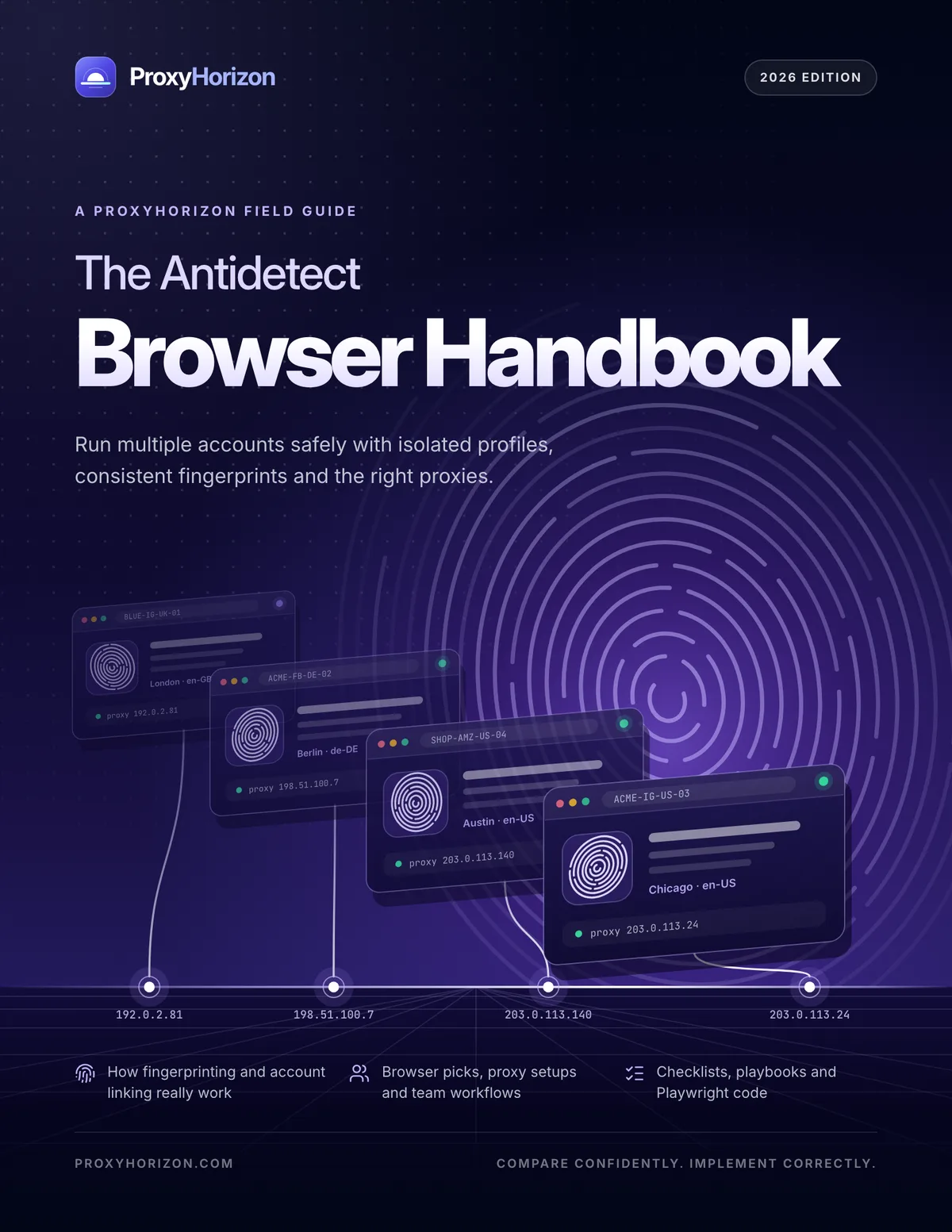
The Antidetect Browser Handbook
The free guide to running multiple accounts safely with profiles, fingerprints and proxies.
- Ten chapters, from fingerprinting basics to team workflows and automation
- Ten antidetect browsers compared, plus nine proxy networks to test
- Playwright, Puppeteer and Selenium code, checklists and six playbooks
PDF · 59 pages · 5.9 MB · No sign-up needed
- Pages
- 59
- Chapters
- 10
- Diagrams
- 16
- Tables
- 20
- Code examples
- 5
About the eBook
Everything you need to run multiple accounts safely
Antidetect browsers let one person or one team run many separate browser identities on one computer, each with its own cookies, fingerprint and IP address. Used well, they keep client accounts, storefronts and test environments cleanly apart. Used carelessly, they link everything you meant to separate. The Antidetect Browser Handbook shows you how to use them well.
It explains how fingerprinting and account linking really work, compares ten widely used browsers with figures from the ProxyHorizon directory, and walks through building profiles, pairing them with the right proxies, running a team and automating safely. Every chapter ends with key takeaways, and everything is framed around legitimate multi-account work within each platform's rules.
The goal isn't to look like nobody. It's to look like the same somebody, every time you log in.
By the end, you'll be able to
- Explain what an antidetect browser changes, and what it can't hide
- Read a fingerprint the way a platform does and fix mismatches before they cost an account
- Choose a browser and a proxy type for your use case, budget and team size
- Build profiles that stay consistent for the whole life of an account
- Warm up new accounts, read health signals and respond calmly
- Run a team on shared profiles without ever sharing a password
Look inside
Real pages from the handbook
Diagrams of how fingerprints and account links work, tables you can decide from and code you can adapt. Select any page to see it full size.
What's inside
10 chapters, from fingerprints to team playbooks
Read it front to back once, then keep it open as a reference. Every chapter ends with key takeaways.
- 01p. 5
What an Antidetect Browser Actually Does
The three jobs of every profile, and how it compares with incognito, VPNs, VMs and cloud phones.
- 02p. 9
Browser Fingerprinting, Decoded
Four layers of signals, from canvas and WebGL to TLS, and why consistency beats randomness.
- 03p. 15
How Platforms Connect Accounts
The linking graph, how risk scores add up, and what a profile can't hide for you.
- 04p. 19
Choosing an Antidetect Browser
Eight criteria, ten browsers side by side and picks for teams, budgets, mobile and automation.
- 05p. 24
Proxies: The Other Half of a Profile
One stable IP per profile, the right proxy type for each job and nine networks to test.
- 06p. 29
Building Profiles That Hold Up
A step-by-step build, naming, cookies, extensions and a QA check before the first login.
- 07p. 34
Warm-Up, Behavior and Account Health
A four-week warm-up, the habits that keep accounts healthy and how to read warning signs.
- 08p. 38
Running a Team on Profiles
Roles and permissions, sharing profiles without sharing passwords, SOPs and offboarding.
- 09p. 43
Automation, APIs and AI Agents
How local APIs work, Playwright, Puppeteer and Selenium code, and guardrails for agents.
- 10p. 49
Playbooks and Staying Compliant
Six setups you can copy, and the platform rules that keep them legitimate.
- Ap. 54
Appendix
A launch checklist, a fingerprint cheat sheet, troubleshooting, a glossary and free tools.
Who it's for
Written for the people who run many accounts
Social and ad agencies
Client pages and ad accounts kept separate, shareable and auditable, with roles, SOPs and clean offboarding.
E-commerce sellers
Several storefronts and marketplace accounts that stay apart, each with its own profile and stable IP.
Affiliates and media buyers
Campaigns tested market by market from profiles that match each market, and ad accounts that stay healthy.
QA and dev teams
Repeatable geo, language and device test environments, driven through local APIs and Playwright.
Privacy-minded professionals
Work, personal and research identities kept in separate compartments that trackers can't join up.
Automation and AI-agent builders
Stable, isolated browser identities for scripts and agents, with guardrails that keep accounts safe.
FAQ
Questions, answered
Is the handbook really free?
Yes. There's no sign-up and no email gate: download the PDF and start reading. You're welcome to share it with your team, unchanged and with credit.
Who is it for?
Anyone who runs more than one account for legitimate reasons: social media and ad agencies, e-commerce sellers with several stores, affiliate marketers and media buyers, QA teams testing locations and devices, privacy-minded professionals and builders automating browser profiles. It starts from the fundamentals, so it works for beginners too.
Does it help me get around bans or platform rules?
No. The handbook is about keeping accounts that are allowed to exist cleanly separated. It covers each platform's terms, and it's clear that fraud, fake engagement, ban evasion and account takeover are never acceptable. Nothing in it is legal advice.
Is it vendor-neutral?
Yes. ProxyHorizon is independent. Browser and proxy figures come from the ProxyHorizon directory, comparison tables are in alphabetical order, and the handbook contains no affiliate links.
What format is it in?
A 59-page PDF of about 5.9 MB, with clickable links and a bookmark for every chapter. It's designed for reading on screen and prints cleanly on US Letter or A4.
Do the code examples work with any antidetect browser?
The pattern does: start a profile through the browser's local API, connect Playwright, Puppeteer or Selenium over CDP, and stop it through the API. Every vendor's API uses different paths and fields, so the code marks those parts as placeholders for you to fill in from your vendor's docs.
How current is it?
This is the 2026 Edition, with browser and proxy figures taken from the ProxyHorizon directory in November 2026. Prices change often, so check the directory for live numbers.
More free eBooks
All eBooks
123 pages · Free PDF
JavaScript Beyond the Browser
The free course that takes you from your first line of JavaScript to APIs, scrapers and automation bots.
Read more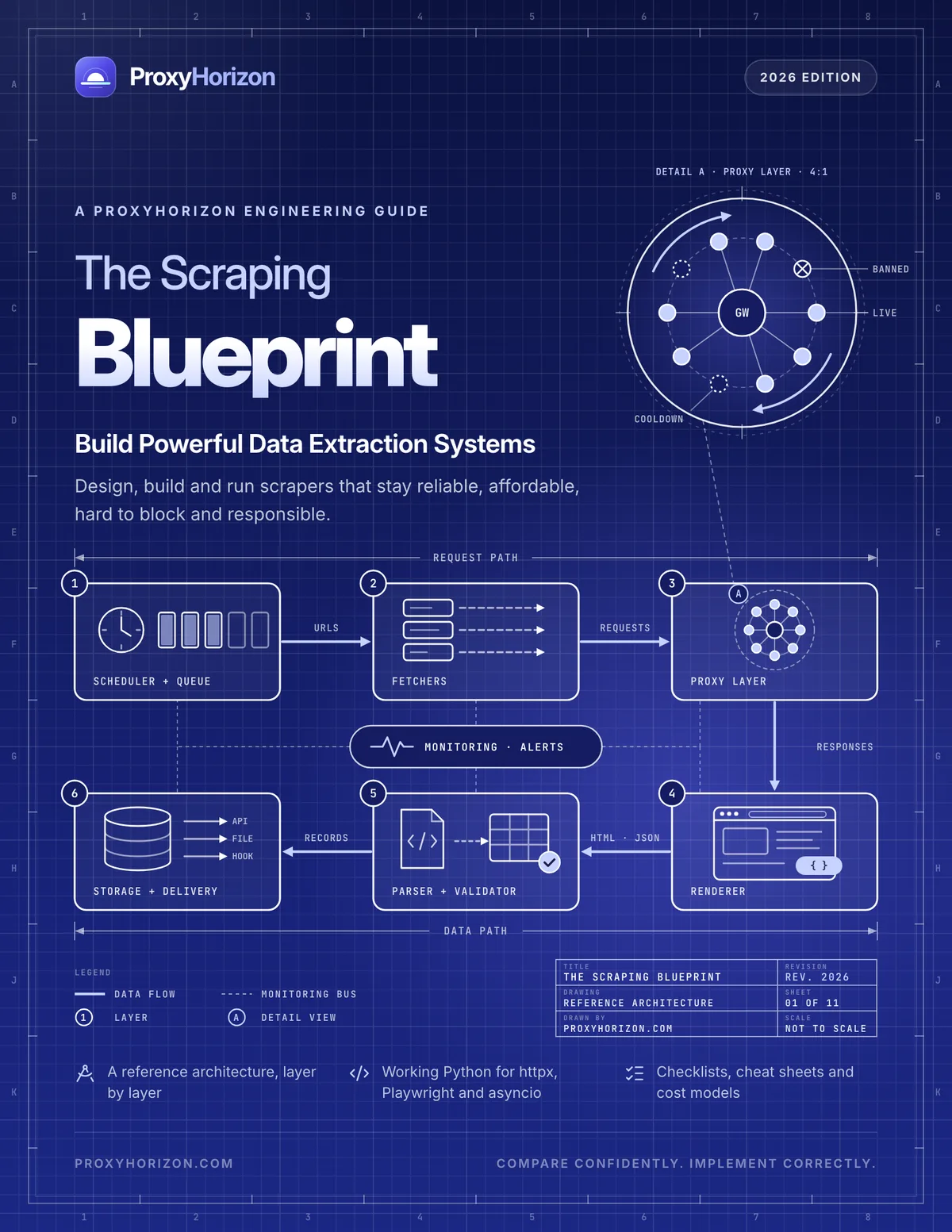
60 pages · Free PDF
The Scraping Blueprint
The free engineering guide to building scraping systems that stay reliable, affordable and unblocked.
Read more
59 pages · Free PDF
Proxies for AI Agents and LLM Data
The free guide to collecting, grounding and acting on web data for AI, reliably and responsibly.
Read moreGet the handbook, free
59 pages, no sign-up, no email gate. Keep the checklists and cheat sheet open whenever you build a new profile.