VPN vs Incognito Mode: What's the Difference? 2026
VPN vs incognito mode explained: what each actually hides, who can still see you, the big misconception, and when to use which — plus why to use both together.
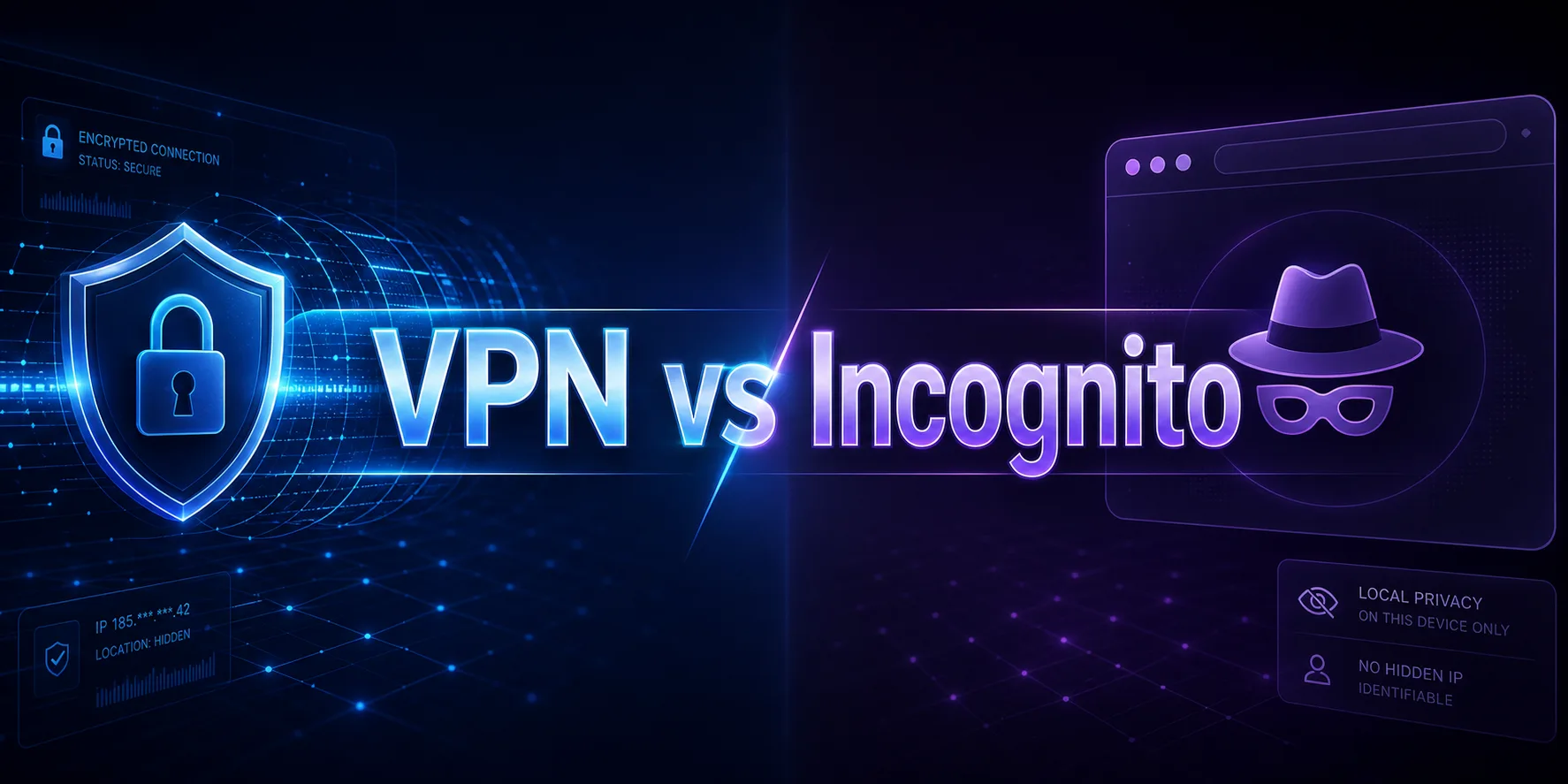
Here is a belief that gets millions of people in trouble: "I'm in incognito mode, so I'm private." You are not. Incognito mode is one of the most misunderstood features on the internet — it hides your browsing from the person sitting next to you, and almost no one else.
This is not a fringe misunderstanding. A 2018 study by researchers at the University of Chicago and Leibniz University Hannover found widespread misconceptions about what private browsing actually protects. And in 2024, Google settled a lawsuit (Brown v. Google) over Incognito data collection, agreeing to delete billions of browsing records — its own Incognito screen now warns that your activity may still be visible to websites, your employer or school, and your internet provider.
So let us clear it up for good. This guide explains exactly what incognito mode does and does not do, how a VPN is fundamentally different, who can still see you in each, and when to use which. If you also want the proxy angle, our proxy vs VPN guide is a good companion read.
The Quick Answer
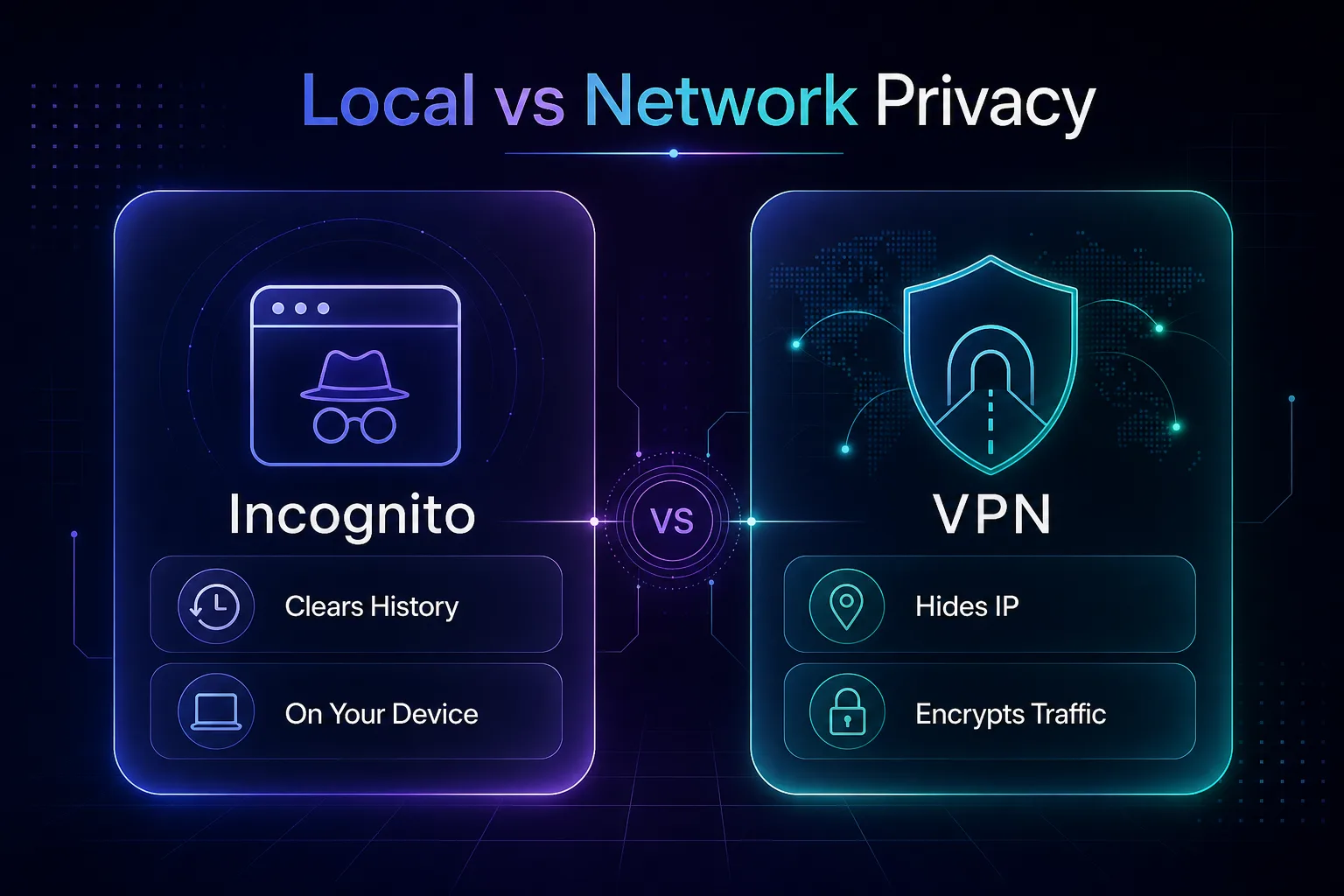
Our take: incognito mode and a VPN solve completely different problems. Incognito hides your activity from other people who use your device — it deletes local history and cookies when you close the window. A VPN hides your activity from the outside world — it masks your IP address and encrypts your traffic so your ISP, network, and websites cannot see what you are doing. Incognito is local privacy; a VPN is network privacy.
What Incognito Mode Actually Does
Incognito mode (also called private browsing in Firefox and Safari) does exactly one job well: it prevents your browser from saving your session locally. When you close the window, it forgets your history, cookies, and anything you typed into forms.
That is genuinely useful — for keeping a shared computer clean, logging into a second account, or stopping a surprise gift search from ruining a birthday. But the key word is local. It only affects what your own browser stores. It does nothing to hide your activity from anyone outside your device.
What a VPN Actually Does
A VPN (Virtual Private Network) works at the network level, not the browser level. It routes all your internet traffic through an encrypted tunnel to a remote server, so two things happen: your real IP address is hidden behind the server's IP, and your data is scrambled so no one in between can read it.
That means your ISP, network administrator, and the websites you visit see a different IP and encrypted traffic instead of your real location and activity. Unlike incognito, a VPN protects your entire device — every app, not just one browser window. New to VPNs entirely? Start with our roundup of the best free VPNs.
VPN vs Incognito Mode: The Head-to-Head
The clearest way to see the gap is side by side. This is the table that ends the confusion.
| Capability | Incognito Mode | VPN |
|---|---|---|
| Hides IP address | No | Yes |
| Encrypts your traffic | No | Yes |
| Hides activity from your ISP | No | Yes |
| Hides activity from websites | No | Yes |
| Clears local history & cookies | Yes | No |
| Changes your virtual location | No | Yes |
| Protects the whole device | No (one browser) | Yes |
| Cost | Free (built in) | Free or paid |
Read that table once and the truth is obvious: they barely overlap. Incognito clears local traces; a VPN hides you from the network. One is not an upgrade of the other.
Who Can Still See You in Incognito Mode?
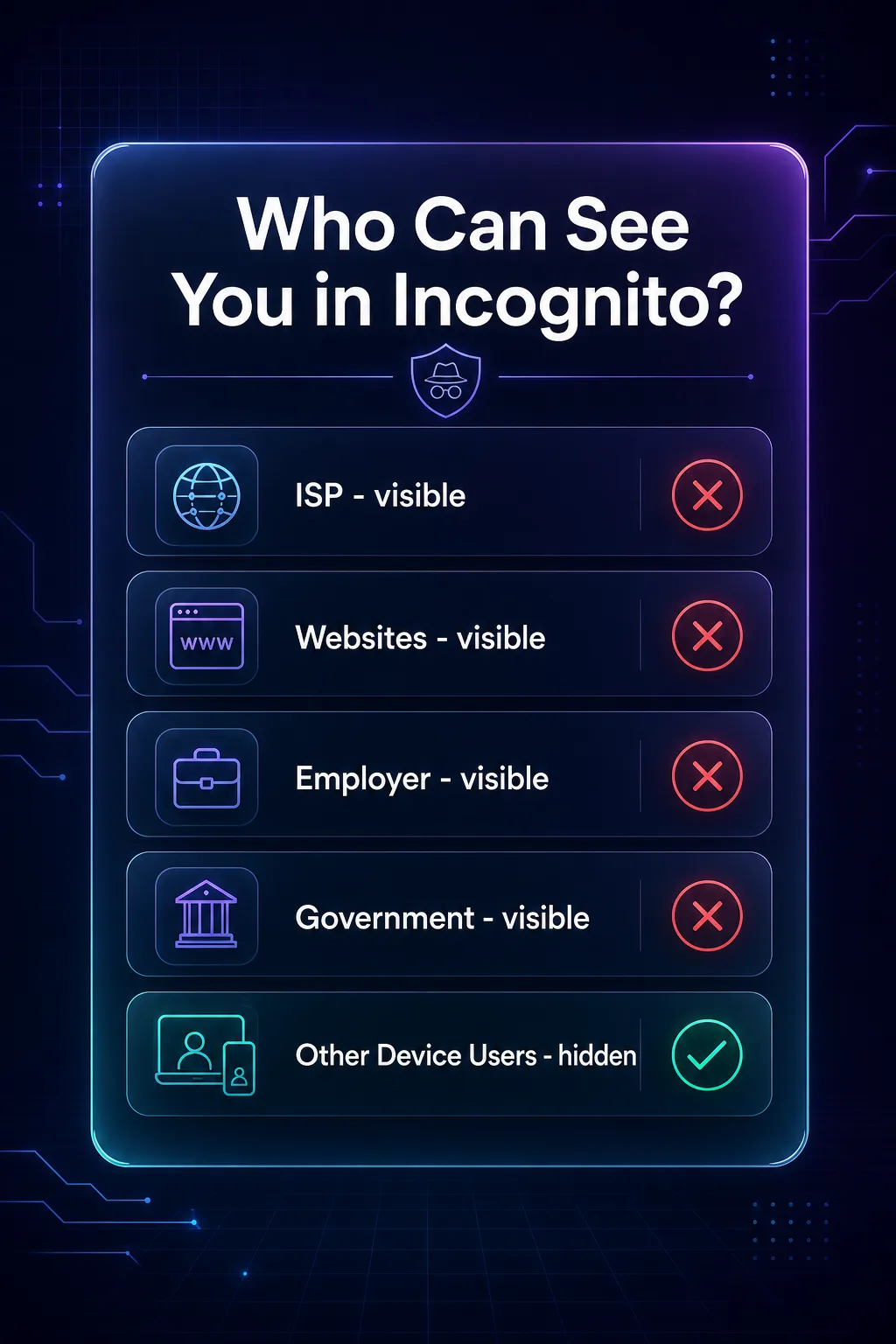
This is the part that shocks people. In incognito mode, your browsing is still fully visible to a long list of parties — because incognito never touches the network.
| Who | Sees you in Incognito? | Sees you with a VPN? |
|---|---|---|
| Your internet provider (ISP) | Yes | No |
| Websites you visit | Yes (via IP) | Sees VPN IP only |
| Your employer or school network | Yes | No |
| Government / legal requests | Yes (via ISP) | Much harder |
| Someone else on your device | No | No |
Notice the only column where incognito wins is the last one — a person physically using your device later. For everyone else on this list, incognito offers zero protection. For a deeper dive on the ISP angle specifically, see can your ISP see incognito browsing.
The Big Misconception (and Why It Persists)
The uncomfortable truth is that the word "private" in "private browsing" oversells what the feature does. People reasonably assume private means invisible — but incognito was only ever designed to hide activity from other users of the same device.
Google itself has had to make this clearer. Following the Brown v. Google settlement, and as stated in Google's own Incognito documentation, your activity might still be visible to the websites you visit, your employer or school, and your internet service provider. Incognito does not make you anonymous, and it never encrypted anything. If your goal is real privacy from the network, a VPN — not incognito — is the tool. It is one of the most common VPN and privacy myths we see.
When Should You Use Incognito Mode?
Incognito is not useless — it is just narrow. Reach for it when the goal is a clean local session.
- On a shared or public computer — so your logins and history do not linger.
- To log into a second account — a fresh session with no existing cookies.
- To avoid personalized results — search or shop without your history skewing what you see.
- To keep a surprise private — the classic gift-search scenario.
Best for: local, on-device privacy. It is instant, free, and built in — just do not mistake it for anonymity.
When Should You Use a VPN?
Reach for a VPN whenever the threat is outside your device — the network, your ISP, or the sites you visit.
- On public Wi-Fi — encrypt your traffic on untrusted cafe, hotel, and airport networks.
- To hide activity from your ISP — stop your provider logging and profiling your browsing.
- To change your virtual location — access region-locked content, like the best VPNs for Netflix can.
- To stay private on your whole device — every app, not just the browser.
Best for: genuine network privacy and security. This is what most people actually mean when they say they want to browse "privately."
Should You Use a VPN and Incognito Together?
Yes — and it is the smartest setup. They cover different gaps, so using both gives you belt-and-suspenders privacy. Turn on your VPN to hide your IP and encrypt traffic from the network, then open an incognito window so your browser keeps no local trace of the session.
The VPN handles the outside world; incognito handles your own device. Together they close both ends — network snoops cannot see your activity, and no history is left behind on your machine. For anything sensitive, that combination is the honest baseline.
Recommended VPNs for Real Privacy
If the takeaway is that you need a VPN, quality matters — a bad VPN just moves the trust from your ISP to the provider. These are the ones we rate most highly; see the full list in our VPN directory.
1NordVPN

NordVPN is our best overall pick, combining the fast NordLynx protocol with a strict, audited no-logs policy and a huge server network. It is the reliable default for private, everyday browsing, and its independently audited no-logs policy means the provider you are trusting instead of your ISP has actually proven its claims in practice.
2Surfshark

Surfshark is the best value, with unlimited device connections and strong speeds at a budget price — ideal for covering a whole household under one plan.
3Proton VPN

Proton VPN is the privacy purist's pick, from the team behind Proton Mail, and the only top provider with a genuinely unlimited free tier. Its audited no-logs stance is rock solid, and being based in privacy-friendly Switzerland — outside the major surveillance alliances — adds a jurisdictional layer of protection that matters if privacy is your primary reason for using a VPN at all.
Common Misconceptions to Avoid
The myths that keep people less private than they think.
1"Incognito hides my IP address"
It does not. Every website you visit in incognito still sees your real IP and can log it. Only a VPN or proxy changes the IP that sites see.
2"Incognito stops my ISP from tracking me"
Also false. Your ISP sees every site you connect to, incognito or not. Encryption from a VPN is what hides that, not private browsing.
3"A VPN clears my history like incognito"
No — a VPN does not touch your local browser history. If you want no trace on your device, that is incognito's job. Use both to cover both.
4"Private browsing means anonymous"
The most costly myth of all. Incognito is about local cleanup, never anonymity. If anonymity is the goal, you need a VPN — or, for higher stakes, Tor.
Tips for Genuinely Private Browsing
- Use a VPN for network privacy — it is the only tool here that hides your IP and encrypts traffic.
- Add incognito for local cleanup — no history or cookies left on the device.
- Never rely on incognito alone on public Wi-Fi — it offers zero network protection.
- Pick an audited, no-logs VPN — you are trusting them with what your ISP used to see.
- Manage cookies too — see our guide on whether to accept cookies.
Private Browsing Is Not the Same in Every Browser
One nuance worth knowing: "incognito" is Chrome's name for it, but Firefox and Safari handle private browsing slightly differently — and none of them add network privacy.
Chrome's Incognito is the baseline: it clears local history and cookies, nothing more. Firefox's Private Browsing goes a step further with Enhanced Tracking Protection, which blocks many known trackers during the session. Safari's Private Browsing similarly limits some cross-site tracking. These are real improvements for on-device privacy, but the ceiling is the same — your IP is still exposed and your ISP still sees everything. If browser-level privacy matters to you, our Chrome vs Firefox privacy comparison breaks down the differences. The takeaway does not change: private browsing is about your device, and only a VPN addresses the network.
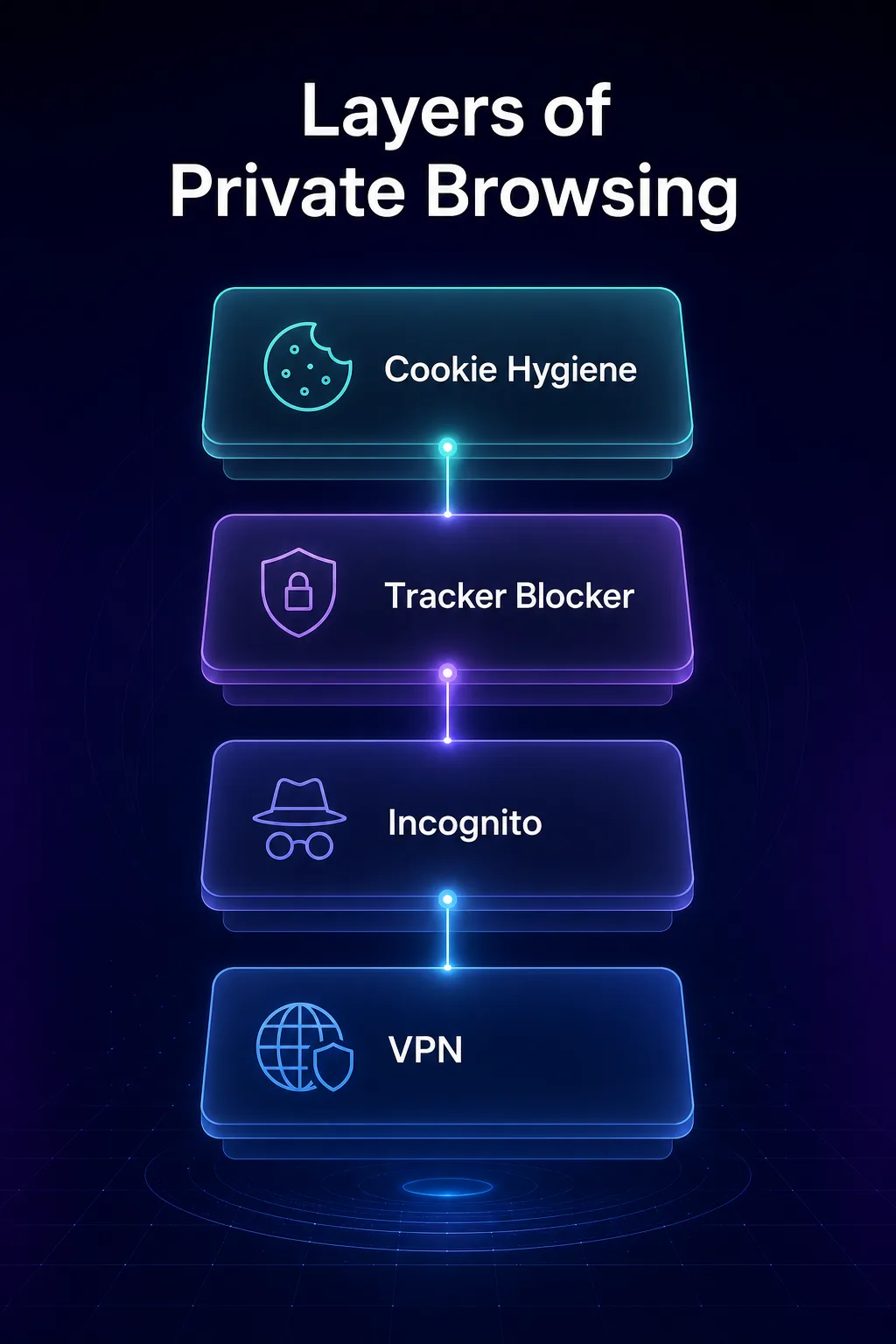
How to Actually Browse Privately: A Layered Approach
Real privacy is not one switch — it is layers, each closing a different gap. Here is the stack we recommend, from most to least impactful.
Layer 1 — a VPN hides your IP and encrypts your traffic from the network and your ISP; this is the foundation. Layer 2 — incognito or private browsing keeps no local trace on your device. Layer 3 — a privacy-respecting browser and tracker blocker cuts the fingerprinting and cross-site tracking that IP-hiding alone misses. Layer 4 — cookie hygiene stops sites re-identifying you across visits. Stack all four and you have covered the network, your device, the trackers, and the cookies — the four ways you actually get followed online. Our guide on how to stop apps and websites tracking you walks through the rest. No single tool does it all, which is exactly why "I'm in incognito" was never enough.
Frequently Asked Questions
The Bottom Line
VPN versus incognito is not really a contest — it is a misunderstanding waiting to be cleared up. Incognito mode is local privacy: it wipes your session from your device and nothing more. A VPN is network privacy: it hides your IP and encrypts your traffic from your ISP, the network, and the websites you visit. If you thought incognito made you anonymous, now you know it never did.
For genuine privacy, use a VPN — and add incognito on top when you also want a clean local session. Pick an audited, no-logs provider from our VPN directory, and if you are weighing privacy tools more broadly, our proxy vs VPN and stop websites tracking you guides go deeper. Private browsing is a good habit; real privacy takes the right tool.