The Best Browsers for Blocking Trackers in 2026
The best browsers for blocking trackers in 2026, ranked: Brave, Firefox, DuckDuckGo, Mullvad, LibreWolf, Tor & Vivaldi — with the trade-offs that matter.

Your browser decides how much of your life advertisers get to see. Load a typical news site and dozens of tracking scripts fire before the headline renders — and the browser you chose either waves them through or stops them cold.
The numbers make the case: the average popular website embeds trackers from multiple third-party companies, an estimated 80% of top sites use some form of tracking, and the profiles built from that data feed a broker industry worth over $280 billion. Meanwhile, the world's most-used browser is made by an advertising company — which is exactly why defaults vary so wildly.
This guide ranks the best browsers for blocking trackers in 2026 — from mainstream picks with strong defaults to hardened builds for maximum privacy — and explains which one fits your balance of convenience and protection. It's the natural next step after our guide on how to stop apps and websites from tracking you.
Why Your Browser Is Your First Line of Defense
Almost all web tracking runs through the browser: cookies, analytics beacons, ad pixels, and fingerprinting scripts all execute inside it. A browser that blocks them by default protects you on every site, every day, with zero ongoing effort.
Defaults are the whole game. Studies consistently show most users never change privacy settings, so a browser that ships with tracker blocking on protects people who will never open a settings menu. That's why this ranking weighs out-of-the-box protection most heavily.
Extensions can patch a weak browser, but Chrome's Manifest V3 has limited what content blockers are allowed to do — making the browser's built-in protection matter more in 2026 than it ever has.
What Tracker Blocking Actually Blocks
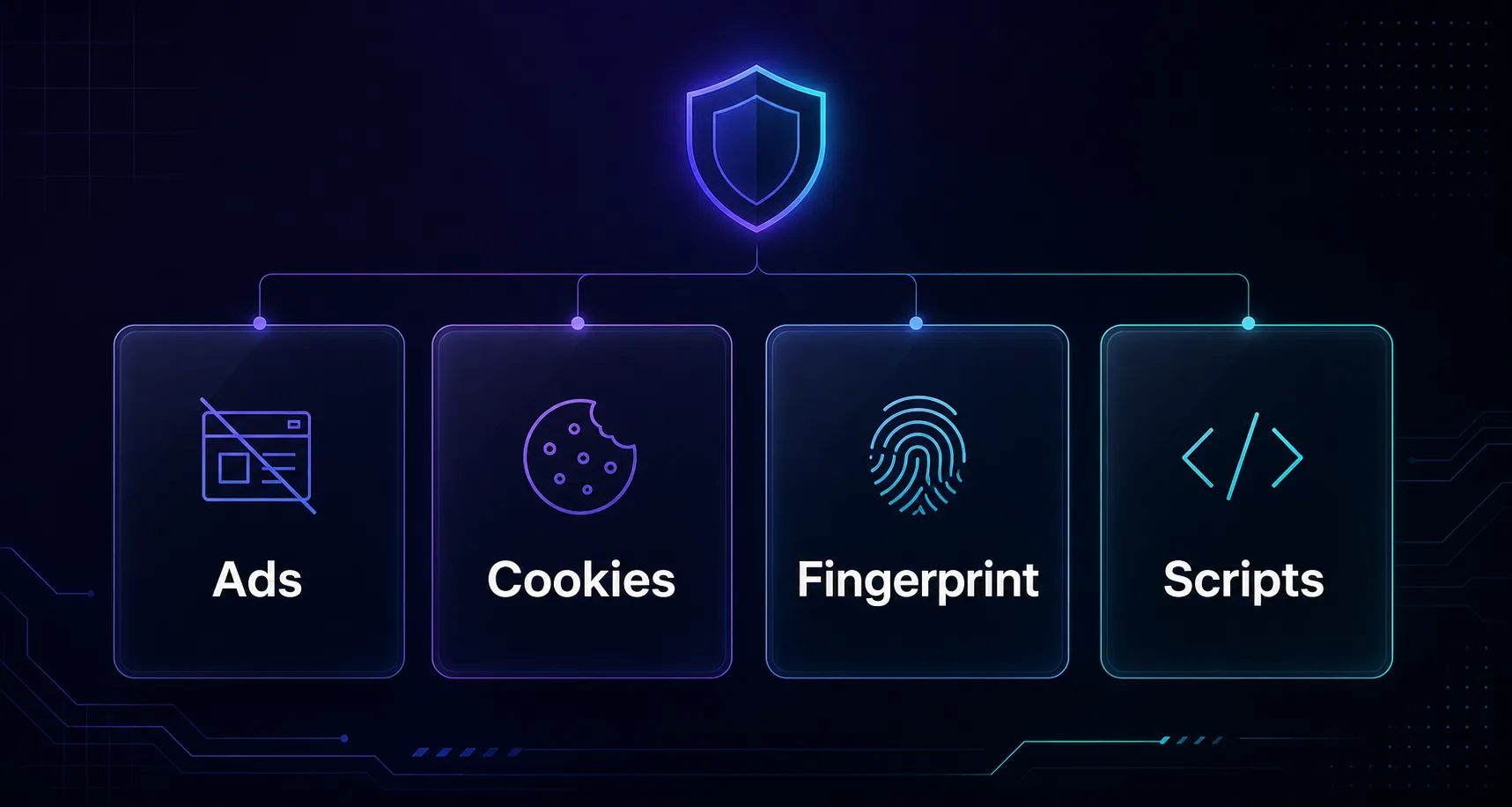
"Blocks trackers" can mean very different things. Here's what a genuinely private browser needs to stop.
| Tracker Type | What It Does | Blocked By |
|---|---|---|
| Third-party cookies | Follow you across sites | Cookie isolation/blocking |
| Tracking pixels & beacons | Report views and clicks | Content-blocking filter lists |
| Fingerprinting scripts | Identify your device without cookies | Anti-fingerprinting defenses |
| Ad-network scripts | Serve and track targeted ads | Built-in ad blocking |
| Bounce/link trackers | Tag URLs and redirects | Link-tracking protection |
The best browsers cover all five layers by default. Cookie blocking alone is yesterday's protection — fingerprinting defense is what separates the leaders from the pack.
How We Ranked These Browsers
Every browser below was judged on four criteria, in order of weight: default tracker blocking (what it stops with zero configuration), fingerprinting resistance (the modern tracking frontier), blocking durability (whether full-strength content blockers remain available on its engine), and day-to-day usability — because the most private browser is worthless if it frustrates you back to Chrome within a week.
We deliberately weighted defaults over configurable maximums. A browser that can be hardened is a project; a browser that ships hardened is protection. Rankings reflect what a normal person gets on day one.
The 7 Best Browsers for Blocking Trackers in 2026
Ranked for default tracker blocking, fingerprinting resistance, and day-to-day usability.
1Brave
Best overall for most people, Brave blocks ads, third-party cookies, and trackers out of the box with its built-in Shields — no extensions required. Its fingerprint randomization subtly alters your device signature per site, defeating the tracking method that survives cookie blocking.
Built on Chromium, it feels instantly familiar to Chrome users and runs Chrome extensions, so switching costs nothing. Aggressive blocking occasionally breaks a site, but per-site Shield toggles fix that in one click.
2Firefox
The best mainstream non-Chromium choice, Firefox ships with Enhanced Tracking Protection and Total Cookie Protection on by default, isolating every site's cookies in its own jar. Made by the non-profit Mozilla, its incentives align with users rather than advertisers — a contrast we unpack in our Chrome vs Firefox privacy comparison.
Crucially, Firefox still supports full-strength content blockers unaffected by Manifest V3 limits, and power users can enable resistFingerprinting for hardened protection. It's the best blend of privacy, compatibility, and extension freedom.
3DuckDuckGo Browser
Best for simplicity, the DuckDuckGo browser bakes tracker blocking, cookie-consent handling, and its signature Fire Button — one tap wipes all tabs and data — into a deliberately minimal package. Its Duck Player even strips tracking from embedded videos.
There's nothing to configure, which is exactly the point: it's the browser to recommend to relatives who will never touch a setting. Advanced users may miss deep extension support, but as a zero-effort private default it's excellent.
4Mullvad Browser
Best for anti-fingerprinting without Tor, Mullvad Browser is the Tor Browser's hardened privacy engineering delivered over a normal connection. Developed with the Tor Project, it makes every user look identical — the strongest fingerprinting defense outside Tor itself.
It ships with uBlock Origin preinstalled, no telemetry, and aggressive state partitioning. Designed to pair with a VPN, it's the enthusiast's choice for maximum stealth at normal browsing speed.
5LibreWolf
Best for hardened Firefox fans, LibreWolf is a community build of Firefox with privacy maxed out from the first launch: telemetry stripped, resistFingerprinting enabled, uBlock Origin included, and data cleared on close by default.
It's what Firefox looks like after an expert spends an evening hardening it — with the trade-off that strict defaults break more sites and there's no built-in sync. For tinkerers who want Firefox's engine with zero data leakage, it's superb.
6Tor Browser
The gold standard for anonymity, Tor Browser routes traffic through three encrypted relays and standardizes every user's fingerprint, making individual tracking practically impossible. For sensitive research or high-stakes privacy, nothing mainstream comes close — see how it compares in our VPN vs Tor breakdown.
The cost is speed: relay routing makes everyday browsing noticeably slower, and some sites block Tor exits. Use it as a precision tool for the moments that matter most, not your daily driver.
7Vivaldi
Best for power users, Vivaldi couples a built-in ad and tracker blocker with the deepest customization of any browser here — tab stacking, split views, command chains — while collecting no browsing data itself.
Its blocking is filter-list based and solid, though it lacks the fingerprint defenses of Brave or Mullvad, so pair it with good habits. For users who want privacy and a productivity cockpit, it's a compelling package.
Feature Comparison at a Glance
| Browser | Tracker Blocking | Anti-Fingerprinting | Engine | Best For |
|---|---|---|---|---|
| Brave | Built-in Shields | Randomization | Chromium | Most people |
| Firefox | ETP + cookie isolation | Optional (resistFingerprinting) | Gecko | Mainstream + extensions |
| DuckDuckGo | Built-in | Basic | WebKit/native | Zero-effort simplicity |
| Mullvad | uBlock Origin included | Uniform fingerprint | Gecko | Stealth without Tor |
| LibreWolf | uBlock Origin included | Enabled by default | Gecko | Hardened Firefox |
| Tor Browser | Built-in + relays | Strongest (uniform) | Gecko | Maximum anonymity |
| Vivaldi | Built-in blocker | Minimal | Chromium | Power users |
What About Chrome, Edge, and Safari?
The three biggest browsers are conspicuously absent from this list, and the reasons differ for each.
Chrome is the weakest mainstream option for tracker blocking: third-party cookies have historically been allowed by default, fingerprinting defenses are minimal, and Manifest V3 has capped what blocking extensions are permitted to do. Google's Privacy Sandbox generates ad-interest topics inside the browser itself — a model critics describe as relocating tracking rather than removing it. You can harden Chrome, but you are working against its defaults and its maker's business model.
Edge ships respectable tracking prevention with three adjustable levels, but it couples that with Microsoft's own extensive telemetry, shopping features, and data collection — solving one tracking problem while introducing another. It also inherits Chromium's Manifest V3 extension limits.
Safari is genuinely decent: its Intelligent Tracking Prevention pioneered cookie partitioning, and Apple's business model doesn't depend on ad data. If you are settled in the Apple ecosystem, Safari plus a content blocker is a reasonable setup. It misses this list only because it trails the leaders on fingerprinting defense and extension flexibility, and it locks you to Apple hardware.
The takeaway: none of the big three is catastrophic, but every browser in our ranking blocks more, by default, with stronger fingerprinting protection — and switching costs you nothing but a download.
How to Choose the Right Tracker-Blocking Browser
Three questions settle the choice quickly.
1How much convenience are you willing to trade?
Brave and Firefox deliver strong protection with essentially zero friction — sites just work. Mullvad and LibreWolf trade some compatibility for deeper protection, and Tor trades speed for anonymity. Pick the strongest option you'll actually keep using every day.
2Do you need anti-fingerprinting?
If you've blocked cookies for years but ads still follow you, fingerprinting is why. Brave's randomization handles it invisibly for most people; Mullvad, LibreWolf, and Tor go further with uniform fingerprints. Vivaldi and DuckDuckGo lean on you to add protection elsewhere.
3Chromium or not?
Chromium browsers (Brave, Vivaldi) feel like Chrome and run its extensions, but inherit Manifest V3's blocker limits. Gecko browsers (Firefox, Mullvad, LibreWolf, Tor) keep full-strength blocking and add engine diversity to the web — a quiet privacy win in itself.

Tracker Blocking on Mobile
Phones deserve special attention because that's where most browsing now happens — and where tracker blocking is least evenly available. Brave, Firefox, DuckDuckGo, and Vivaldi all ship Android versions with their desktop protections largely intact, and Tor Browser runs on Android too. Mullvad Browser and LibreWolf remain desktop-only.
iPhone is a different landscape: Apple requires every iOS browser to run on its WebKit engine, so "Brave for iOS" or "Firefox for iOS" are privacy shells over Safari's engine rather than full ports. They still add real value — DuckDuckGo's tracker blocking and Brave's shields work meaningfully on iOS — but hardened Gecko builds simply don't exist there. Safari with a good content-blocker app is a legitimate iOS choice for the same reason.
Remember too that mobile tracking flows through apps and advertising identifiers, not just web pages. A private mobile browser handles the web half; pair it with the ad-ID and permission cleanups from our app-tracking guide (linked in the introduction) to cover the rest.
Common Mistakes to Avoid When Switching Browsers
A private browser only delivers if you avoid these five traps.
1Staying Logged In Everywhere
The most private browser can't hide activity from a platform you're signed into — your account is the tracker. Sign out of services you're not actively using, or contain them in a separate profile so their view stops at their own tab.
2Importing Every Old Extension
Each extension makes your fingerprint more unique and some extensions are trackers themselves. Start fresh with the minimum: a content blocker (if not built in) and a password manager. Resist recreating the ten-extension setup that made you trackable before.
3Assuming Private Mode Adds Protection
Incognito windows don't block trackers — they only skip local history. Your new browser's shields do the real work in normal windows; private mode is for keeping a search off your own machine, as we explain in what your ISP sees in incognito.
4Ignoring the Network Layer
No browser hides your IP address from the sites you visit or your browsing from your ISP. Pair your tracker-blocking browser with a no-logs VPN from our VPN directory, and check what you're exposing with our IP address tool.
5Accepting Every Cookie Banner Anyway
Reflexively clicking "Accept all" re-authorizes the tracking your browser is trying to block. Take the extra second to reject — our guide on whether to accept cookies shows how to decide banner by banner.
Best Practices After You Switch
- Verify your protection — run a tracker-test page and confirm the blocker's counter is climbing on sites you visit daily.
- Set your new browser as the system default so links from apps and email open protected.
- Keep extensions minimal — every add-on distinguishes your fingerprint.
- Turn off ad personalization in your accounts — browser blocking can't reach tracking that happens inside platforms you log into.
- Layer up for higher stakes — for multi-account or research work, antidetect browsers mask the full device fingerprint beyond what any mainstream browser attempts.
Frequently Asked Questions
Conclusion: Make the Default Do the Work
The best browser for blocking trackers is the one that protects you without asking anything of you. For most people that's Brave — blocking plus fingerprint randomization in a familiar package — with Firefox the standout for extension freedom and non-profit trust, and Mullvad or Tor when stealth outranks convenience.
Whichever you choose, remember the browser is one layer. Keep logged-in accounts contained, reject cookie banners, and mask your IP at the network level for protection no browser alone can deliver.
Round out your setup with an audited no-logs provider from our VPN directory, compare tools in our side-by-side comparison, and go deeper with our full guide on why online privacy matters more than ever.
Keep Reading
More articles you might enjoy