Apify Review (2026): Key Features, Pros & Cons
An in-depth Apify review for 2026: the Actor model, Apify Store, Crawlee SDK, built-in proxies, real pros and cons, who it suits, and how it compares to alternatives.
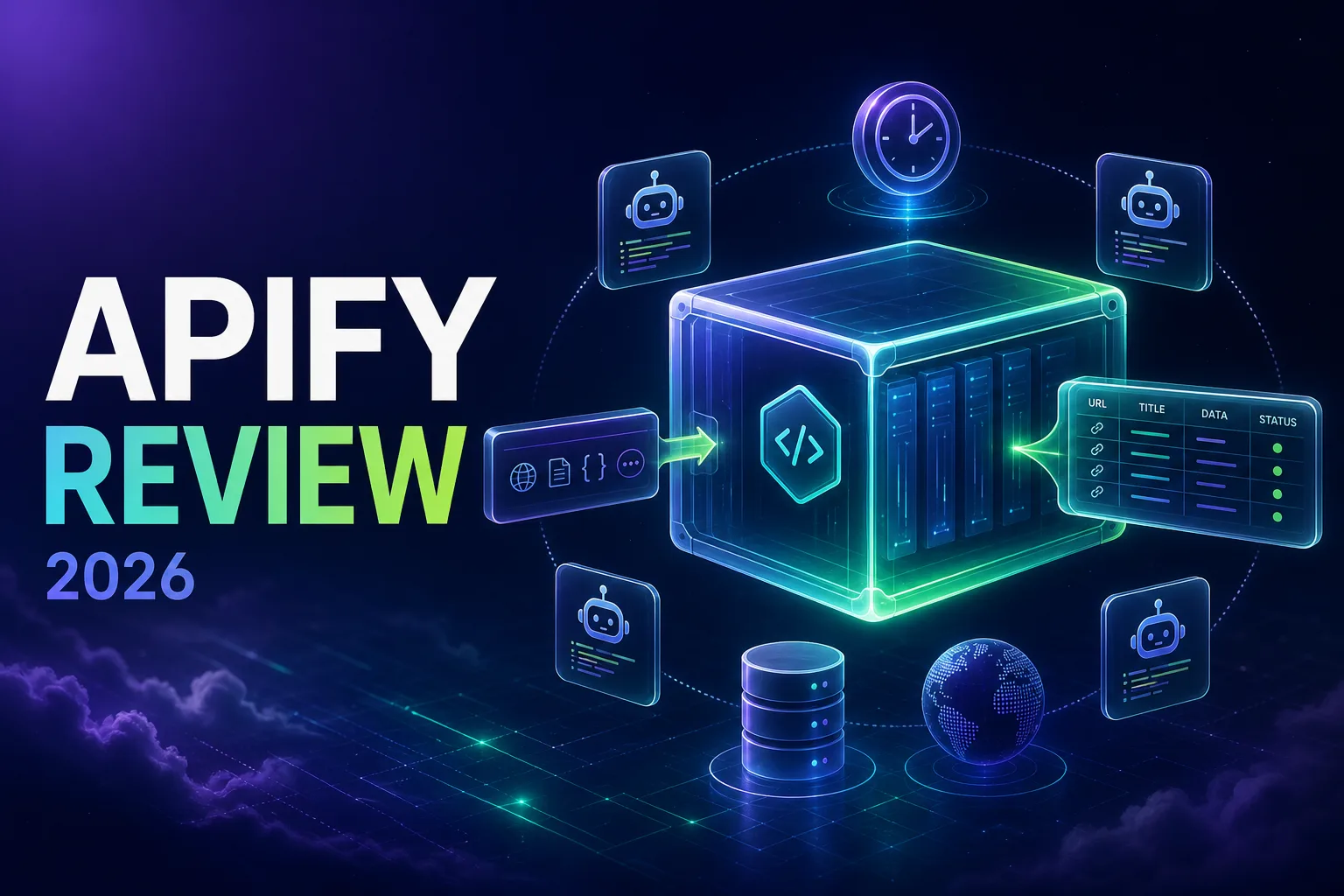
Most web scraping tools ask you to choose between two bad options: a rigid API that only does what its makers imagined, or a blank sheet where you build and host everything yourself. Apify’s answer is unusual enough to be worth understanding properly, because it tries to be both.
It is a cloud platform where scrapers run as containerised programs called Actors. You can write your own in Python or JavaScript and let Apify handle hosting, scheduling, storage, and scaling, or you can pick a ready-made Actor from a marketplace of thousands and be pulling data in minutes without writing anything.
This review covers what Apify actually does well in 2026, where it frustrates people, who it genuinely suits, and how it compares to the alternatives. If you want the cost side in isolation, see our Apify pricing breakdown.
- Apify is a cloud platform for scraping and automation built around Actors, containerised programs that run on its infrastructure.
- Its biggest advantage is the Store: thousands of ready-made scrapers for common targets, usable without writing code.
- For developers it offers a genuinely strong SDK with Crawlee, plus built-in proxies, scheduling, storage, and an API.
- The main trade-offs are a learning curve around the Actor model and compute-based billing that punishes unoptimised jobs.
What Is Apify?
Apify is a full platform rather than a single scraping endpoint. At its centre is the Actor: a program packaged in a Docker container that takes structured input, runs on Apify’s cloud, and writes structured output. That abstraction is what lets the same system host a one-line Store scraper and a complex custom crawler.
Around that core sits the infrastructure most scraping projects end up building anyway: proxy rotation, a scheduler, persistent datasets and key-value stores, request queues, retries, monitoring, webhooks, and a REST API. The pitch is that you write the extraction logic and Apify supplies everything else.
Key Features
Here is what actually matters day to day.
1The Apify Store
The standout feature. The Store hosts thousands of pre-built Actors covering the targets most people want: search results, maps and local listings, major social platforms, marketplaces, job boards, and general-purpose site crawlers. For a huge share of use cases the build step disappears entirely, you configure inputs and run.
2Crawlee and the SDK
For developers, Apify maintains Crawlee, an open-source crawling library for Node and Python that is genuinely good independent of the platform. It handles queues, retries, concurrency, session management, and proxy rotation, and switches cleanly between plain HTTP and browser-based crawling with Playwright or Puppeteer. You can run it locally and deploy the same code as an Actor.
3Built-In Proxies
Apify Proxy offers datacenter and residential IPs integrated directly into the SDK, with automatic rotation and session handling. It removes a whole configuration layer, though as we note below you can also bring your own provider.
4Storage, Scheduling, and Queues
Results land in datasets that export to JSON, CSV, or Excel, with key-value stores for files and request queues for crawl state. Schedules run Actors on a cron-style timetable, which turns a one-off scraper into a monitoring pipeline without extra infrastructure.
5API, Webhooks, and Integrations
Every Actor is callable via REST API, so Apify slots into existing systems as a data source. Webhooks fire on run completion or failure, and there are native integrations for Zapier, Make, n8n, Airbyte, and LangChain, plus MCP support for AI agents.
6Anti-Blocking
Beyond proxies, the platform provides browser fingerprint generation, session pooling, and automatic retries. It is solid rather than magical, and heavily defended targets still require care, as we explain in how browser automation traffic differs from normal HTTP requests.
The Actor Model: Apify’s Real Differentiator
If social platforms are your target, we have picked apart the strongest options in our guide to the best Apify Actors for scraping social media.
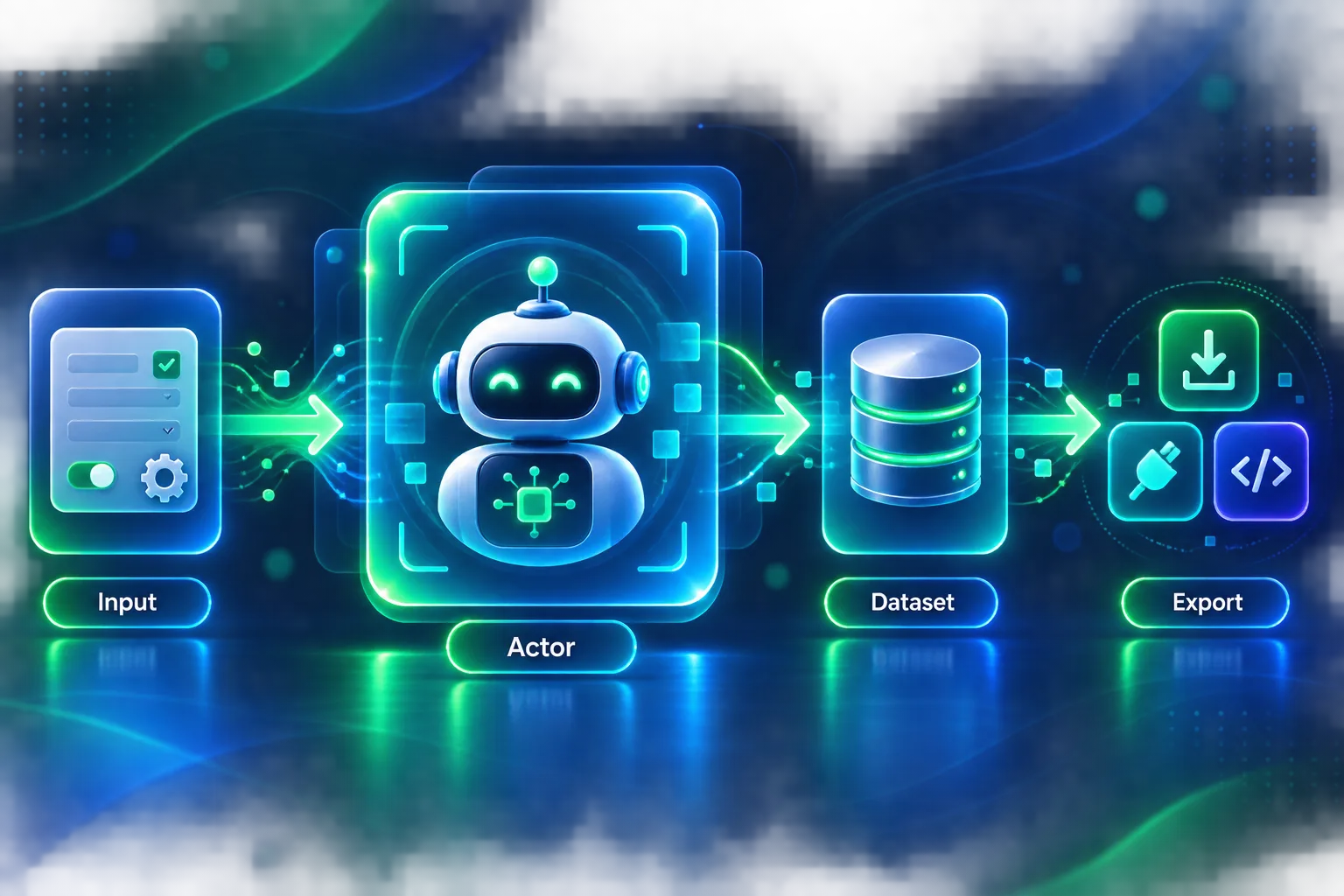
It is worth dwelling on why the Actor abstraction matters, because it explains most of Apify’s strengths and its learning curve.
An Actor is just a container with a defined input schema and output. That uniformity means everything on the platform composes: a scraper you wrote and one you found in the Store are the same kind of object, callable the same way through the same API, chainable so one Actor’s output feeds another’s input, and schedulable identically.
The cost is conceptual overhead. Newcomers expecting a simple endpoint have to learn Actors, datasets, key-value stores, and request queues before things click. That investment pays off on complex projects and feels like friction on trivial ones, which is the single best predictor of whether someone loves or dislikes the platform.
Developer Experience
For engineers, Apify is one of the stronger options available. The CLI supports local development so you can iterate without deploying, Crawlee is well documented and pleasant to use, and the input schema system generates a usable UI for your Actor automatically, which matters if non-technical colleagues will run it.
Debugging is decent, with live logs, run history, and the ability to inspect stored datasets between runs. Because Actors are Docker containers, you are not constrained to a supported-library list, and anything that runs in a container runs on Apify. Architectural decisions still matter, particularly around queueing and session handling, which we cover in how crawlers manage request queues and stateless vs stateful scraping.
Getting Started: What the First Hour Looks Like
The fastest path to value is deliberately not the developer path. Sign up on the free tier, open the Store, and search for your target. If an Actor exists for it, open it, fill in the generated input form with a URL or search term, set a result limit, and run it. Within a couple of minutes you have a dataset you can preview in the browser and export as JSON, CSV, or Excel.
That loop is what makes Apify approachable regardless of skill level, and it is also the right way to evaluate the platform, because it tells you whether the data quality meets your needs before you invest in anything custom. Only once no Actor fits, or you need extraction logic nobody has written, do you install the CLI, scaffold a Crawlee project locally, and deploy your own. Approaching it in the opposite order is why some people find the platform heavier than it needs to be.
Performance and Reliability
In everyday use Apify is dependable. Runs start promptly, the scheduler fires reliably, and datasets persist as expected. Because Actors are containers on managed infrastructure, scaling concurrency is a configuration change rather than an ops project, and the platform handles retries and restarts on transient failures.
Where variability creeps in is at the Actor level rather than the platform level. A poorly written Actor leaks memory, stalls on slow pages, or fails to handle layout changes, and that reads as unreliability even though the infrastructure did its job. Run history, live logs, and per-run statistics make diagnosing this straightforward, but the responsibility sits with whoever wrote the Actor. Success rates on defended targets also depend heavily on proxy choice, which is why IP reputation matters as much here as anywhere.
Support and Documentation
Documentation is a genuine strength. The platform docs are thorough, Crawlee has its own well-maintained documentation with working examples, and most Store Actors carry readable input descriptions. There is an active community forum and a public Discord where Apify staff participate.
Support responsiveness scales with plan, as you would expect, with higher tiers getting faster handling and Enterprise adding dedicated contacts. For self-serve users, the documentation and community are usually enough to get unstuck, which is not true of every platform in this space.
Where Apify Falls Short
An honest review needs the weak points stated plainly.
The pricing model is hard to predict. Billing by compute unit, which is memory multiplied by runtime, means an over-provisioned or slow Actor costs far more than an efficient one doing identical work. It rewards tuning and punishes deploy-and-forget.
Store Actor quality varies. Community-built Actors range from excellent and actively maintained to abandoned and broken against current site layouts. Check recent runs, reviews, and update dates before depending on one.
There is a real learning curve. If all you need is one page converted to clean text, the Actor model is more machinery than the job warrants.
Anti-blocking is good, not exceptional. On the hardest targets you will still be tuning fingerprints, pacing, and proxies yourself, and may prefer dedicated residential providers from our web scraping proxy roundup.
Apify Pros and Cons
The balance sheet in one view.
- Thousands of ready-made Actors remove the build step for common targets
- Crawlee is a genuinely excellent open-source crawling library
- Full platform: proxies, scheduling, storage, queues, retries, and monitoring included
- Docker-based Actors mean no language or library restrictions
- Strong API, webhooks, and integrations including MCP for AI agents
- Usable free tier with a monthly credit and no card required
- Compute-unit billing is hard to forecast and punishes unoptimised jobs
- Quality of community Store Actors is inconsistent
- Learning curve is steep for simple one-off scraping needs
- Residential proxy costs can exceed compute spend on defended targets
Verdict
The most capable general-purpose scraping platform available, and the right choice for recurring or complex pipelines, though overkill if you just need occasional page-to-text extraction.
Who Apify Is Best For
Apify fits some teams far better than others.
It is an excellent fit for teams running recurring scraping pipelines that need scheduling and storage, developers who want managed infrastructure without giving up code-level control, non-technical users who need data from a common target a Store Actor already covers, and anyone chaining multiple scraping steps into a workflow.
It is a poor fit if you need a single page converted to clean markdown for an LLM, where a focused tool is simpler and cheaper, or if you have one trivial one-off job, or if you need absolutely predictable per-request pricing for finance reasons.
Apify for AI and LLM Pipelines
This has become one of Apify’s more compelling angles. Retrieval-augmented generation and AI agents both need fresh, structured web data, and that is precisely what the platform produces.
Practically, that shows up in a few ways. Actors are callable via REST API, so an agent or backend can trigger a scrape and consume results programmatically. There are integrations for LangChain and vector databases, letting scraped datasets feed an index directly. And Apify supports MCP, which lets AI assistants invoke Actors as tools, so a model can fetch live web data during a conversation rather than relying on stale training knowledge.
The caveat is output shape. Apify returns structured data defined by whichever Actor you run, which is ideal when you want specific fields, whereas tools purpose-built for LLM ingestion return clean markdown of an entire page with no configuration. If your goal is simply feeding readable page content to a model, that focused approach is less work. If you need particular fields extracted reliably at scale and on a schedule, Apify is the stronger foundation.
Apify vs the Alternatives
Positioning matters more than feature counts here.
Against Firecrawl, the split is clarity of purpose versus breadth. Firecrawl is purpose-built to turn pages into clean, LLM-ready markdown with a very simple API, while Apify is a general platform that does far more but asks more of you. Our head-to-head covers this in Firecrawl vs Apify.
Against simple scraping APIs such as ScrapingBee or ScraperAPI, those win on simplicity and predictable per-request billing, while Apify wins on capability, scheduling, storage, and the Store. Against enterprise data providers like Bright Data, Apify is more developer-centric and generally cheaper to start with, while enterprise vendors offer larger proxy networks and managed datasets. See the wider field in our best web scraping APIs guide.
How Apify Handles Blocking in Practice
Since anti-blocking decides whether any of the rest matters, it is worth being specific about what the platform gives you. Apify Proxy supplies both datacenter and residential IPs with automatic rotation and session persistence, so an Actor can hold one IP across a multi-step flow or rotate per request depending on configuration.
On top of that, Crawlee generates realistic browser fingerprints and manages session pools, retiring sessions that start collecting blocks rather than hammering a dead one. Automatic retries with backoff handle transient failures without custom code.
What it does not do is make hard targets trivial. Heavily defended sites still require deliberate work: choosing residential over datacenter, pacing requests realistically, and matching proxy geography to the content you expect. The platform gives you good defaults and the right levers, not a guarantee, which is a fair description of every honest tool in this category.
Wondering what teams actually build with it? Our guide to the best use cases of Apify covers lead generation, price monitoring, AI pipelines and more.
Frequently Asked Questions
The Verdict
Apify is the most capable general-purpose scraping platform available, and its Actor model is a genuinely smart piece of design rather than marketing. The Store removes the build step for a large share of real use cases, Crawlee is excellent, and the surrounding infrastructure covers everything a scraping project inevitably needs.
The trade-offs are real and worth taking seriously: compute-based billing rewards engineering discipline and punishes carelessness, Store Actor quality is uneven, and the platform is more machinery than a simple job deserves. If you need one page turned into markdown, use something simpler.
But if you are running recurring pipelines, chaining steps, or want managed infrastructure without surrendering code-level control, Apify earns its place. Start on the free tier with a Store Actor, then move to custom Actors once the model clicks. For the cost side in detail, read our Apify pricing guide.
Keep Reading
More articles you might enjoy