Best Firecrawl Alternatives to Try in 2026
Nine Firecrawl alternatives matched to the reason you’re leaving: cost, blocking, self-hosting or browser actions. Includes the self-hosting catch, a migration map and real costs for 10,000 pages.
![Best Firecrawl Alternatives to Try in [year]](/_next/image?url=https%3A%2F%2Fproxyhorizon.com%2Fcdn%2Fblog-images%2Fbest-firecrawl-alternatives-1-muhiimue.webp&w=3840&q=75)
Firecrawl is excellent. Right up until something breaks.
Maybe it’s the bill, after you switched on JSON extraction. Maybe it’s a site that blocks it every time. Or maybe legal wants the data kept on your own servers.
Most people looking for a Firecrawl alternative aren’t unhappy with Firecrawl. They’ve hit one wall, and each wall has a different way over it.
So this guide starts with your reason for leaving, then matches it to the tool that fixes it. There’s also a catch in Firecrawl’s free, self-hosted version that most comparisons skip. It changes the math.
- Apify is the best all-round Firecrawl alternative, with an AI-ready crawler and thousands of ready-made scrapers.
- Crawl4AI is the best free option, as long as you can run your own servers and proxies.
- Bright Data and Zyte are the picks for sites that keep blocking Firecrawl.
- Self-hosted Firecrawl isn’t the same product as Firecrawl Cloud, and the gap shows on protected sites.
- Browserbase is the answer when your agent has to click, log in or fill in forms.
What Firecrawl Gets Right, and Where It Pinches
Let’s be fair first: Firecrawl earned its popularity. Its main GitHub repository has around 185,000 stars, and one API covers scraping, crawling, site maps, search and page interaction.
It turns messy pages into clean Markdown, returns JSON that matches your schema, and ships an official MCP server for agents in Claude or Cursor. For many teams, that’s everything.
So why do people leave? The pinch usually comes from one of three places. The first is cost: a plain scrape costs 1 credit, but JSON output adds 4 more, so structured pages cost five times as much.
The second is blocking. Heavily protected sites still fail sometimes, and a failed crawl is a wasted afternoon. The third is control: your data flows through someone else’s servers.
None of that makes Firecrawl a bad tool. It just means the right replacement depends on which of those three is hurting you.
Why Teams Switch: Match Your Reason to a Tool
Here’s the shortcut. Find your reason in the left column, and you’ve found your shortlist.
| Why you’re leaving | What to look for | Best alternatives |
|---|---|---|
| The bill, especially for JSON | Cheap Markdown, then your own model | Apify, Jina Reader, Crawl4AI |
| Sites that block Firecrawl | Stronger unblocking and proxies | Bright Data, Zyte API |
| Data must stay on your servers | Open source you can self-host | Crawl4AI, Spider |
| Scraping big, well-known sites | Ready-made scrapers | Apify, Bright Data |
| Your agent has to click and log in | Hosted browsers for agents | Browserbase, Oxylabs AI Studio |
| Your agent starts with a question | Search plus page content | Tavily, Exa |
| Huge crawls on a tight budget | Pay for bandwidth, not credits | Spider |
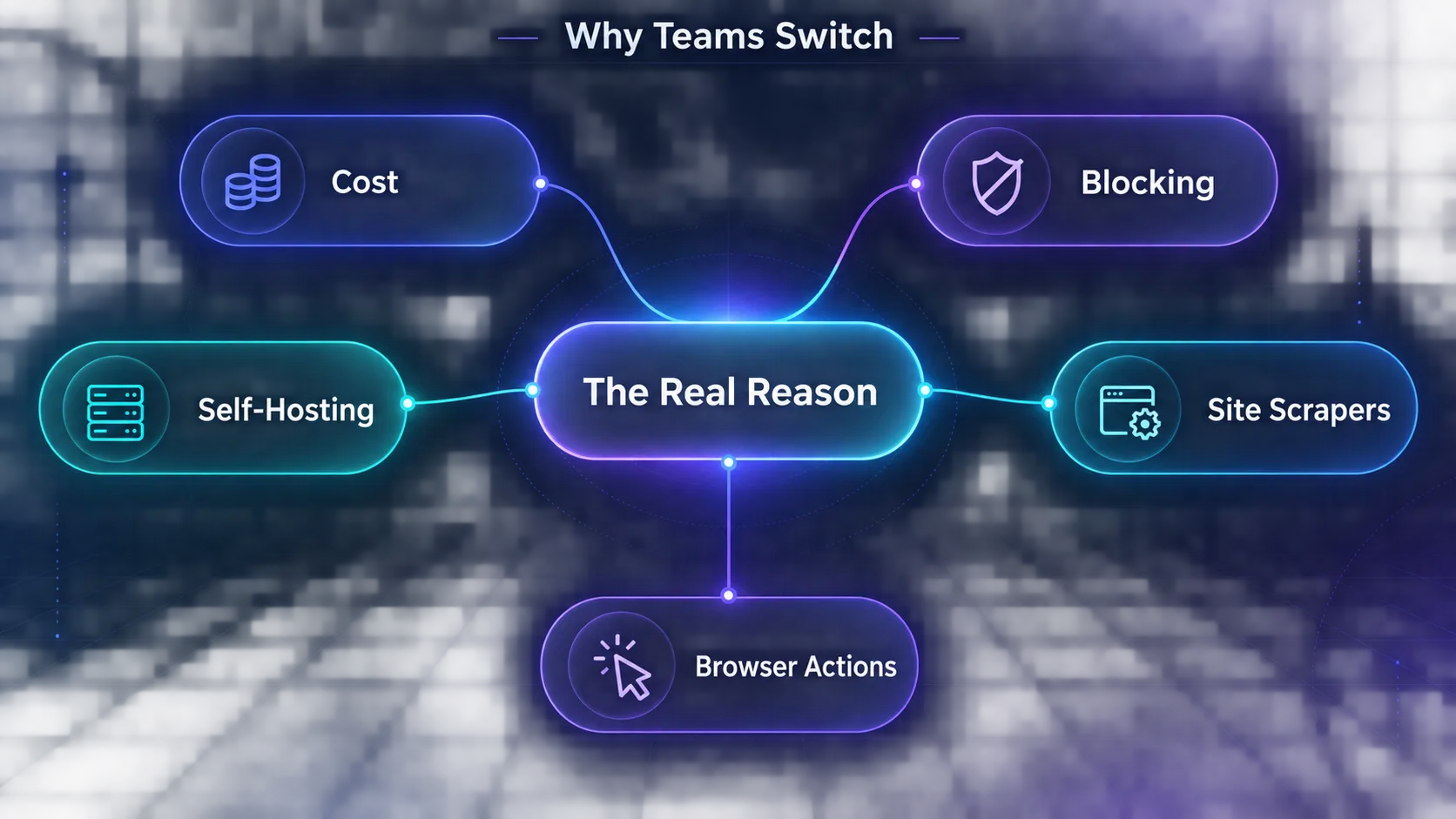
No single tool wins every row, and that’s normal. Plenty of teams keep Firecrawl for one job and move another job elsewhere.
The Self-Hosting Catch Most Comparisons Skip
Here’s the detail from the top of this guide. Firecrawl is open source, so it’s tempting to think you can run it yourself and stop paying. You can, but you won’t get the same product.
So what’s missing? Firecrawl’s own self-hosting docs spell it out. The default self-hosted stack doesn’t include Fire-engine, the service behind its advanced anti-bot handling.
Screenshots and page actions need Fire-engine too, so they’re missing. Features like Agent, Browser and interact stay in the cloud. And LLM extraction only works once you connect your own OpenAI-compatible provider or Ollama.
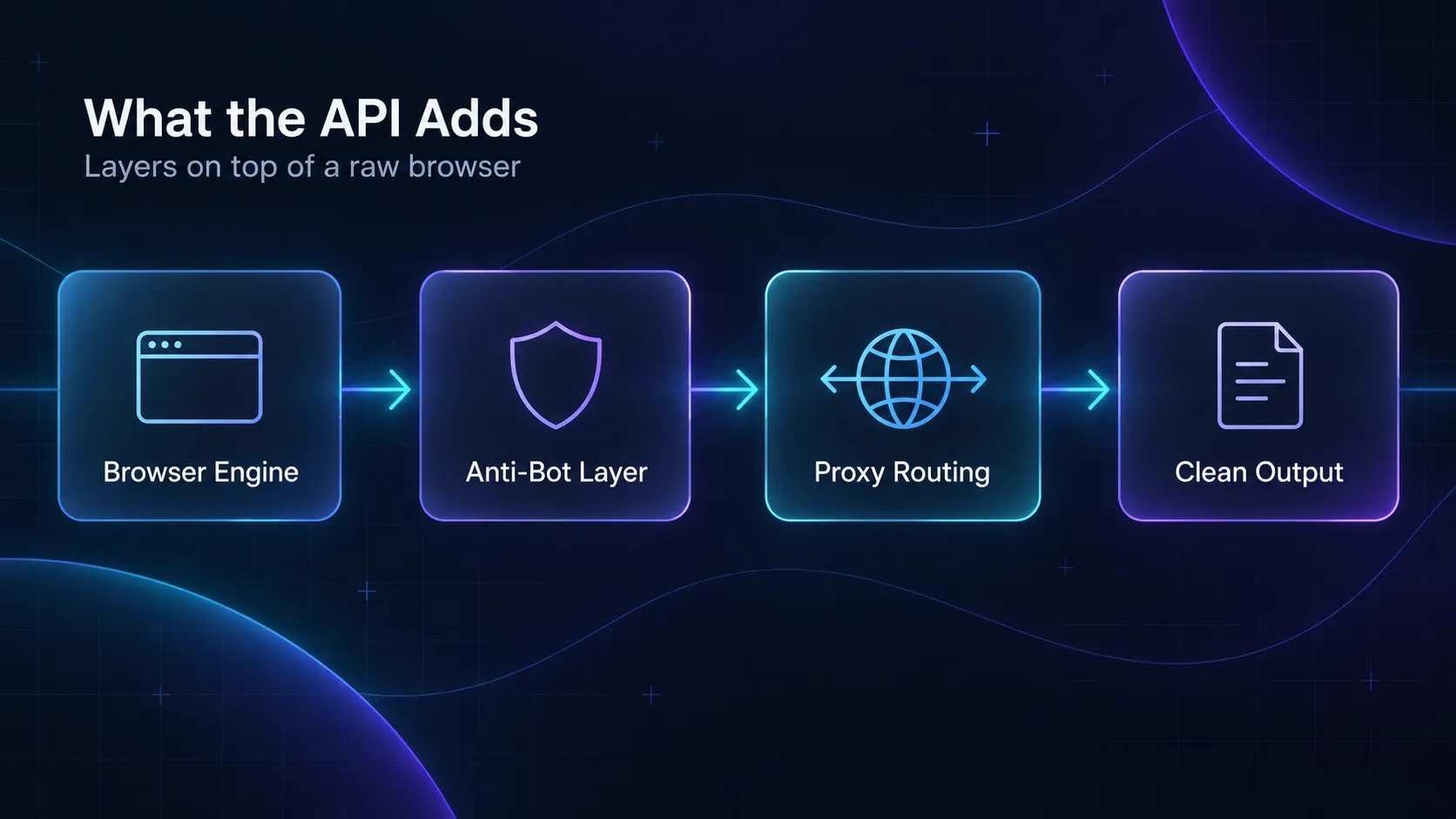
In plain English: free Firecrawl works well on friendly sites. On protected ones, which is often why you wanted a better tool, it’s the weaker version.
The license matters too. The main project uses AGPL-3.0, while its SDKs are MIT. AGPL means that if you run a modified version as a network service, you must make your changed source code available to its users.
Our take: if self-hosting is your reason, compare Crawl4AI with self-hosted Firecrawl, not with Firecrawl Cloud. That’s the fair fight.
How We Picked These Alternatives
We went through each tool’s official pricing page, documentation and GitHub repository in September 2026. We didn’t run a paid benchmark, so treat the prices as a starting point and test on your own URLs.
- Which Firecrawl job it replaces: scrape, crawl, map, search, extract or interact
- How well it handles protected sites
- Real cost at 10,000 pages, not the headline plan
- Whether you can self-host it
- How easily an AI agent can use it
The Apify, Bright Data and Oxylabs buttons are affiliate links, and so is our Firecrawl link. We may earn a commission if you sign up. No brand paid for its spot on this list.
The 9 Best Firecrawl Alternatives in 2026
They’re ordered from the broadest replacement to the most specialized. Each entry ends with its catch.
1Apify
Apify is the best all-round Firecrawl alternative. Its Website Content Crawler does Firecrawl’s core job. It crawls a site and saves each page as Markdown, text or HTML for your LLM or vector database.
It connects to LangChain, LlamaIndex, Pinecone and Qdrant. Beyond that crawler, the Apify Store holds thousands of ready-made scrapers for sites like Google Maps, Amazon and Instagram. Our guide to Apify use cases covers the popular ones.
The free plan includes $5 of usage every month, and Starter costs $19. Apify estimates the crawler at about $0.20 per 1,000 pages with plain HTTP, or $0.50 to $5 with a headless browser.
The catch: usage-based pricing is harder to predict than a flat credit count. And scrapers in the store come from many authors, so quality varies. Our Firecrawl vs Apify comparison goes deeper.
2Crawl4AI
Crawl4AI is the best free Firecrawl alternative. It’s an open-source Python crawler built for LLMs, with around 84,000 GitHub stars and a fresh release, version 0.9.4, in September 2026.
It turns pages into clean Markdown and extracts data with CSS, XPath or an LLM. It handles deep crawls and runs as a Docker server with a REST API, so other services can call it.
The license is Apache 2.0, with one condition: you must credit Crawl4AI with a badge, citation or link. There are no usage fees. You pay for servers, proxies and any LLM tokens instead.
The catch: bot walls are your problem now. You’ll need your own residential proxies for protected sites, though the team also runs a hosted Crawl4AI Cloud for tougher pages.
3Bright Data
Bright Data is the pick when sites keep blocking Firecrawl. Its Web Unlocker fetches protected pages and returns HTML, JSON or Markdown, handling proxies and CAPTCHAs for you.
It costs $1.50 per 1,000 requests, and you only pay for successful ones. The free tier covers 5,000 requests a month. A separate MCP server lets agents in Claude or Cursor search and scrape pages as Markdown. It has its own free tier of 5,000 requests a month.
For big, well-known sites, Bright Data also sells more than 1,400 ready-made scrapers that return clean records. It tops our list of the best web scraping APIs for the same reason.
The catch: Web Unlocker returns pages, not your schema, so you’ll add your own extraction step. The dashboard takes some learning, too.
4Zyte API
Zyte API suits teams that want tough sites and structured data without writing prompts. It comes from the team behind Scrapy, the popular Python scraping framework.
Automatic extraction returns standard fields for products, articles, job postings and search results. You get the same field names on every site, and no model is guessing at your schema.
Plain HTTP requests cost $0.13 to $1.27 per 1,000, and browser requests $1.01 to $16.08, depending on how hard the site is. Extraction adds $0.40 to $1.60 per 1,000.
The catch: you only learn a site’s price tier by testing it. New accounts get $5 of credit for 30 days to find out.
5Jina Reader
Jina Reader is the cheapest way to replace Firecrawl’s scrape-to-Markdown job. Put r.jina.ai/ in front of any URL, and you get the main content back as clean Markdown.
It reads PDFs and images too, and a JSON schema in the request header turns the output into structured fields.
You can use it with no API key at 20 requests a minute. A free key raises that to 500 and includes 10 million tokens. After that, you pay per token. Elastic has owned Jina AI since October 2025.
The catch: it reads one URL at a time, so whole-site crawls need your own list of URLs. It isn’t sold as an unblocker either.
6ScrapingBee
ScrapingBee is the simplest swap for single-page scraping. Add return_page_markdown to a request and you get Markdown back, or add a plain-English AI query to pull out specific fields.
Plans start at $19 for 75,000 credits, then $49 for 250,000 and $99 for 1,000,000. New accounts get 1,000 free credits, and you only pay for successful requests.
A basic request costs 1 credit, JavaScript rendering costs 5, and premium proxies cost 10, or 25 with JavaScript. An AI query adds 5 more.
The catch: those multipliers add up fast. Stealth mode for the hardest sites costs 75 credits a request, which drains a plan quickly.
7Oxylabs AI Studio
Oxylabs AI Studio is the closest match to Firecrawl’s full toolkit. Its apps mirror Firecrawl’s jobs: AI-Scraper, AI-Crawler, AI-Map, AI-Search and a Browser Agent that clicks through sites.
Each one runs on Oxylabs’ proxy network and takes plain-English prompts. A static page costs 1 credit and a JavaScript page 4. JSON output adds 4, and custom crawl prompts add 10.
Plans start at $12 a month for 3,000 credits. The $62 Lite plan includes 100,000, and there’s a free trial to test it.
The catch: credits reset every month and don’t roll over. It’s also newer than the rest of Oxylabs’ lineup, so expect the product to keep changing.
8Spider
Spider is built for huge crawls at the lowest cost. It’s written in Rust, and its open-source core, released under the MIT license, is the same engine that runs Spider Cloud.
Instead of credits, you pay $1 per GB of page content plus $0.0001 per minute of CPU time. Failed requests cost nothing. A flat plan starts at $350 a month for 25 parallel requests.
Here’s what that means in practice. If your pages average 200 KB, 10,000 of them come to about 2 GB, or roughly $2 of bandwidth.
The catch: heavy pages cost more, so your bill depends on the sites you crawl. The community is also small next to Firecrawl or Crawl4AI.
9Browserbase
Browserbase is the answer when your agent has to click, log in or fill in forms. It runs headless browsers in the cloud, and its open-source Stagehand SDK adds act, extract and observe commands in plain English.
The free plan includes one browser hour. The $20 Developer plan includes 100 hours and 25 browsers at once, then $0.12 an hour. Proxies cost extra, at $12 per GB on that plan.
It replaces Firecrawl’s interact features, not its crawler. For agents that need both, see our guide to agentic browsers for AI automation.
The catch: it’s infrastructure, not a scraper. You write the logic for every site, and you keep it working when the site changes.
How to Move Off Firecrawl Without Rewriting Everything
You don’t have to switch everything at once. Firecrawl splits its work into clear jobs, and each job has a direct replacement.
| Firecrawl job | What it does | Closest replacements |
|---|---|---|
| Scrape | One URL to clean Markdown | Jina Reader, Bright Data Web Unlocker, ScrapingBee, Crawl4AI |
| Crawl | Every page on a site | Apify Website Content Crawler, Crawl4AI, Spider, Oxylabs AI-Crawler |
| Map | A list of a site’s URLs | Oxylabs AI-Map, Tavily Map |
| Search | Web results with page content | Tavily, Exa, Bright Data MCP |
| JSON format | Fields that match your schema | Oxylabs AI-Scraper, Zyte API, ScrapingBee, Crawl4AI |
| Interact | Clicks, forms and logins | Browserbase with Stagehand, Oxylabs Browser Agent |
Where should you start? With your most expensive job, which for most teams is JSON extraction.
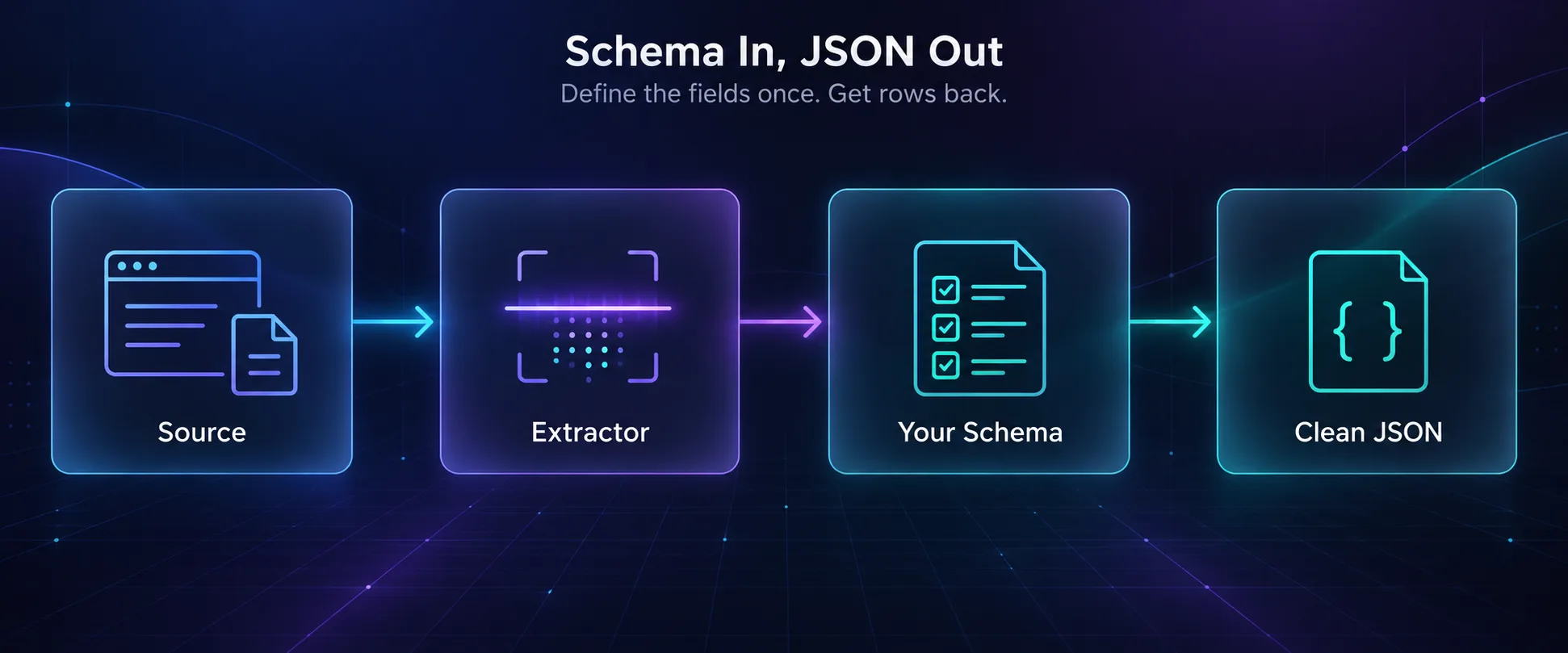
If your agents use MCP, switching is even simpler. Firecrawl and Bright Data both ship MCP servers, so you can swap one for the other in your agent’s settings and compare.
Starting from questions rather than URLs? Tavily and Exa are covered in our guide to AI research and data extraction tools.
What 10,000 Pages Costs Across the Alternatives
Plan prices don’t compare cleanly, because every tool counts differently. So here’s one workload: 10,000 JavaScript-heavy pages, once as Markdown and once as structured JSON.
| Tool | Clean Markdown | Structured JSON | What drives it |
|---|---|---|---|
| Firecrawl | 10,000 credits | 50,000 credits | Both fit the $83 Standard plan, billed yearly |
| Apify Website Content Crawler | About $2 to $50 | Needs an extra step | Plain HTTP or a full browser |
| Bright Data Web Unlocker | About $15 | Not built in | $1.50 per 1,000 successful requests |
| ScrapingBee | 50,000 credits ($19 plan) | 100,000 credits ($49 plan) | 5 credits for JavaScript, 5 more for AI |
| Oxylabs AI Studio | 40,000 credits ($62 plan) | 80,000 credits ($62 plan) | 4 credits per JavaScript page, 4 for JSON |
| Crawl4AI | $0 in fees | $0 plus your LLM tokens | You pay for servers and proxies |
Prices come from each vendor’s pricing page in September 2026, before discounts.
The pattern is clear: Markdown is cheap almost everywhere. So why does JSON cost so much more? Because that’s where a language model does the work.
Our take: if you need JSON at volume, test a two-step setup. Scrape to Markdown with the cheapest reliable tool, then run extraction with your own model on the clean text.
How to Choose the Right Firecrawl Alternative
1Is Your Problem Price, Blocking or Control?
Name the one that hurts most. Price points to Apify, Jina Reader or Spider, and blocking points to Bright Data or Zyte. Control points to Crawl4AI.
2Do You Start With a URL or a Question?
Crawlers need a starting URL. If your agent begins with a question, a search API like Tavily or Exa fits better. It finds the pages and returns their content in one step.
3Will an Agent Drive It?
Check for an MCP server and clear pricing per call. If the agent needs to log in or click through pages, you need real browsers, which means Browserbase or Oxylabs’ Browser Agent.
4Who Fixes It When It Breaks?
Open source is free until a site changes at 2 a.m. and nobody’s on call. A managed API costs more, but someone else keeps it working.
Switching Mistakes That Cost More Than Firecrawl
1Comparing Plans Instead of Multipliers
A plan’s credit count means nothing until you know what one page costs. Firecrawl charges 5 credits for JSON, ScrapingBee 75 for stealth mode, and Oxylabs adds 10 for custom crawl prompts. Price a real page, not the plan.
2Forgetting the LLM Bill
Open-source tools don’t include a language model. When Crawl4AI or self-hosted Firecrawl extracts JSON, it calls a model you pay for or host yourself. On long pages, those tokens can cost more than a managed API would have.
3Dropping the Proxy Layer
Managed APIs hide their proxies, so it’s easy to forget they exist. Move to Crawl4AI or Spider, and protected sites will start failing until you add your own. Our guide to bypassing Cloudflare when scraping covers the basics.
Frequently Asked Questions
Fix the Wall You Actually Hit
The best Firecrawl alternative is the one that fixes your specific problem. Everything else is a sideways move.
For most teams, Apify is the strongest all-round switch. Crawl4AI wins when control matters more than convenience. Bright Data and Zyte handle the sites that block you, and Browserbase gives agents real browsers.
And if none of those walls apply to you, Firecrawl is still a strong choice. Your next step: take the 100 URLs that failed or cost you the most last month and run them through two free tiers. Crawling on your own? Compare providers in our proxy directory.
Keep Reading
More articles you might enjoy
![Best Cloro.dev Alternatives for Search API and AI Agents ([year])](/_next/image?url=https%3A%2F%2Fproxyhorizon.com%2Fcdn%2Fblog-images%2Fbest-cloro-alternatives-1-muhiipeo.webp&w=3840&q=75)
![The Best Data Extraction APIs to Try in [year]](/_next/image?url=https%3A%2F%2Fproxyhorizon.com%2Fcdn%2Fblog-images%2Fbest-data-extraction-apis-1-mufdevwh.webp&w=3840&q=75)
![Best SERP APIs ([year]): Compared for Accuracy, Pricing & AI](/_next/image?url=https%3A%2F%2Fproxyhorizon.com%2Fcdn%2Fblog-images%2Fbest-serp-apis-1-mufdet7y.webp&w=3840&q=75)