How to Delete Incognito History in 2026
There is usually no incognito history in your browser to delete. Here is where the real traces live, how to flush your DNS cache on every device, and the honest fix.

You browsed something in incognito mode and now you want to delete the history. Here's the twist that catches almost everyone out: there usually isn't any incognito history in your browser to delete. That's the whole point of the mode.
But "no history in the browser" doesn't mean "no trace anywhere." Incognito leaves footprints in places most people never think to check, and those are what you actually need to clear. Your DNS cache is the big one, quietly keeping a list of the sites you visited.
This guide gives you the honest, complete answer: why incognito doesn't store history the way you think, where the real traces live, and the exact steps to wipe them on Windows, Mac, Android, and iPhone. Let's clear this up properly.
Does Incognito Even Save History?
No, and this is the part that confuses people. When you close an incognito or private window, the browser discards that session's browsing history, cookies, form data, and site storage. Open your history afterward and those pages simply aren't listed.
So if you're looking to delete incognito history from Chrome's or Safari's history page, there's nothing there. The browser already did it the moment you closed the window. What incognito actually hides is your activity from other people who use the same device, and nothing more. For the bigger picture, see our VPN vs incognito comparison.
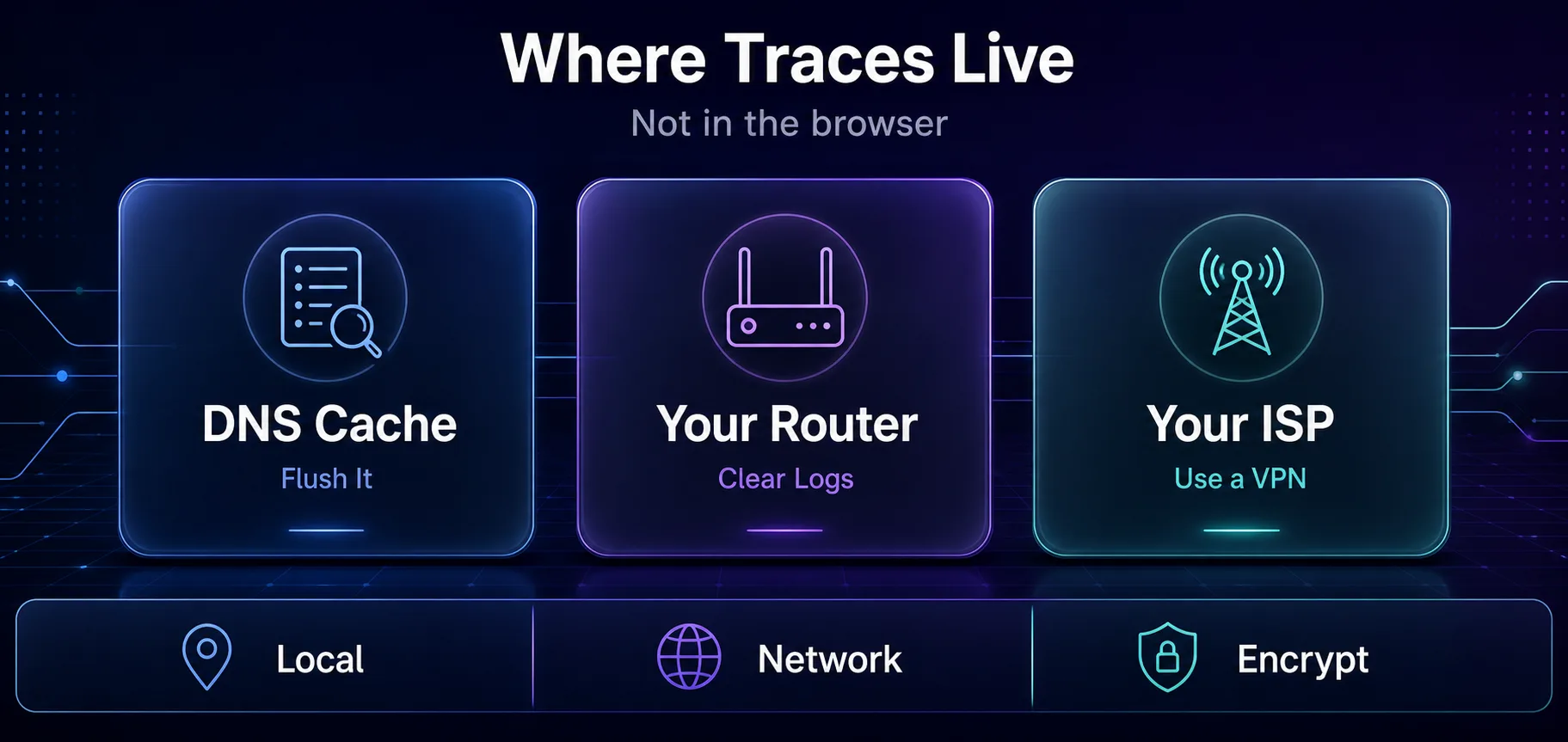
The traces live outside the browser: DNS cache, router logs, and your ISP.
Where the Real Traces Remain
Incognito wipes the browser's own record, but your visits pass through other systems that keep their own logs. These are the traces worth clearing or understanding.
1Your DNS Cache
This is the big one. Every time you visit a site, your device asks a DNS server to translate the domain name into an IP address, then caches the answer to speed up future visits. That cache builds a list of the domains you've been to, and incognito does nothing to it. Anyone who runs a simple command can read it.
2Your Router
Many home routers log the domains or IP addresses that devices on the network connect to. Incognito can't touch your router, so those logs persist until they're cleared or overwritten.
3Your ISP
Your internet provider can see every site you connect to, incognito or not, because your requests travel through their network. Private mode is completely invisible to them, which is why they can still log and, in some places, sell your browsing data. Our guide on whether your ISP can see incognito browsing covers this in full.
How to Clear Your DNS Cache
Flushing the DNS cache is the single most effective step for removing the local trace incognito leaves behind. Here's how on each platform.
1Windows
Open Command Prompt and run:
ipconfig /flushdnsYou'll see a confirmation that the DNS Resolver Cache was flushed. That's it.
2macOS
Open Terminal and run:
sudo dscacheutil -flushcache
sudo killall -HUP mDNSResponder
Enter your password when prompted. The cache clears silently.
3Chrome (Any OS)
Chrome keeps its own internal DNS cache separate from the system. Clear it by opening this address, then clicking "Clear host cache":
chrome://net-internals/#dns4Android and iPhone
Mobile devices don't expose a flush command, but the cache clears when you toggle Airplane mode on and off, restart the device, or switch between Wi-Fi and mobile data. Any of those resets the DNS cache.
Device | How to flush DNS |
|---|---|
Windows | Run ipconfig /flushdns in Command Prompt |
macOS | Run the dscacheutil and killall commands in Terminal |
Chrome | Visit chrome://net-internals/#dns and clear the host cache |
Android / iPhone | Toggle Airplane mode or restart the device |
Clearing Router Logs
If you're worried about router records, log into your router's admin panel, usually at an address like 192.168.1.1, and look for a logs or history section. Not every router keeps browsing logs, and the option varies by model, but where it exists you can usually clear it there. A router restart also cycles many temporary logs.
Be realistic about this one. Router logging is often minimal, and if you share a network you may not control the router at all. The DNS cache is the trace most within your power to clear.
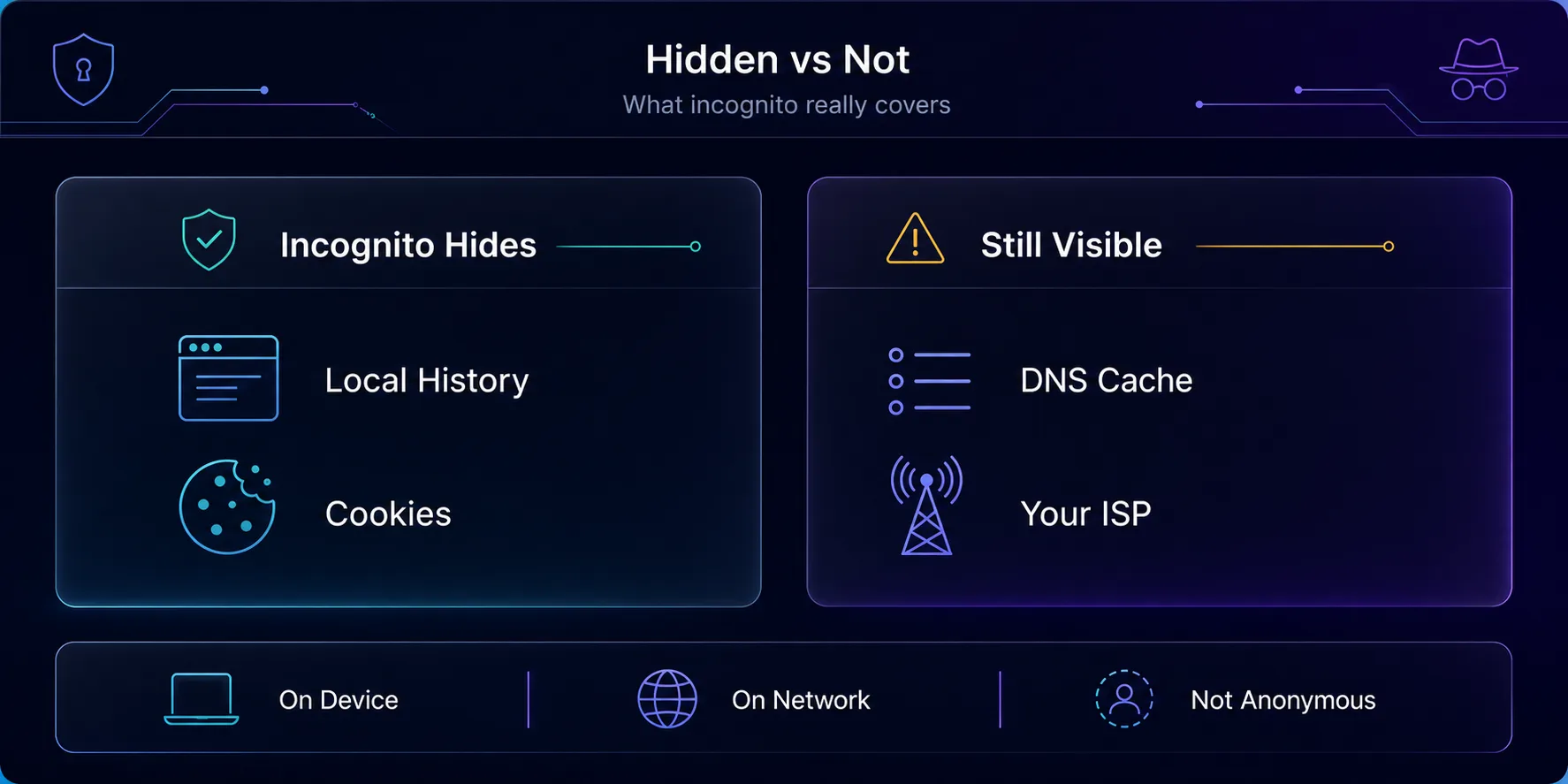
Incognito hides local history and cookies, but not your DNS cache or your ISP.
What Incognito Actually Hides
Here's the honest breakdown, because the gap between what people think incognito does and what it actually does is where the confusion starts.
Hidden from others on your device | NOT hidden |
|---|---|
Local browsing history | Your DNS cache |
Cookies and site data | Your ISP |
Saved form entries | Your employer or school network |
Autofill and logins | The websites you visit |
The uncomfortable truth: incognito is a local privacy tool, not an anonymity tool. It stops the next person on your laptop from seeing where you've been. It does not hide you from your network, your provider, or the sites themselves. Understanding that distinction is more useful than any flush command.
The Real Fix: a VPN
If your actual goal is privacy rather than just a clean history page, a VPN is the tool that delivers it. It encrypts your traffic so your ISP and network see only an unreadable stream, and it hides your real IP from the sites you visit. That's the layer incognito was never built to provide. Here are three we trust.
1NordVPN

Fast NordLynx protocol, audited no-logs, and RAM-only servers make it a strong all-rounder for everyday privacy. Threat Protection blocks trackers on top. See it in NordVPN vs Surfshark.
2Surfshark

Unlimited connections at a friendly price, so you can protect every device you own. Audited no-logs and a clean, beginner-friendly app.
3Proton VPN

Open-source, independently audited, and privacy-first, with the only genuinely private free tier we recommend. Browse the field in our VPN directory.
Common Misconceptions
1"Incognito Saves a Hidden History"
It doesn't. The browser discards the session on close. The traces that remain live outside the browser, in your DNS cache, router, and ISP, not in some secret list.
2"Flushing DNS Makes Me Anonymous"
It clears one local record. It does nothing about your ISP or the sites you visited. For actual privacy you need encryption, which means a VPN.
3"Incognito Hides Me from My Employer"
On a work or school network, the administrator can often see the sites you visit regardless of incognito. Private mode only affects the local device, not the network.
4"Deleting History Deletes It Everywhere"
Clearing your browser or DNS cache only affects your device. Your ISP's records and any server-side logs are entirely outside your reach.
Frequently Asked Questions
The Bottom Line
The reason you can't find incognito history to delete is that the browser already deleted it. Private mode discards the session the moment you close it, so there's no hidden list waiting to be wiped. The traces that actually remain live in your DNS cache, your router, and your ISP's records.
To clean up locally, flush your DNS cache with the command for your platform, and clear router logs if you have access. But understand the limit: those steps tidy your own device, not the wider network. Incognito, and even a DNS flush, is local housekeeping, not real privacy.
If privacy is what you're truly after, a VPN is the answer, since it encrypts the traffic that incognito leaves exposed. Compare providers in our VPN directory, understand the tech in our VPN tunnel guide, or read up on how websites track you to see the full picture.
Keep Reading
More articles you might enjoy